Harnessing Alexa for Accessibility: Empowering People with Special Needs
Introduction
Voice technology is revolutionizing the way people with disabilities engage with the world, offering new pathways to independence and inclusion. Amazon Alexa, and its advanced iteration Alexa+, are at the forefront of this transformation, providing tools that make everyday tasks more manageable and accessible. From controlling smart home devices to accessing information and entertainment, Alexa’s versatility is helping individuals with a wide range of special needs lead more empowered lives.
Alexa and Accessibility: A New Era
Alexa’s accessibility features are designed to address the unique challenges faced by users with hearing, mobility, speech, and vision impairments. According to Amazon research, nearly 77% of adults living with a disability use technology to assist with daily tasks, averaging 13 uses per day[4]. The simplicity and immediacy of voice interaction are \”gold\” for many, providing a far easier alternative to navigating complex interfaces[4].
Alexa+ and Next-Generation Accessibility
Alexa+, Amazon’s next-generation AI assistant, brings even greater personalization and context awareness to accessibility. Launched in 2025, Alexa+ leverages advanced generative AI to enable more natural, multi-turn conversations, making interactions feel more human and fluid[1][3][5][11]. Users can communicate casually, ask follow-up questions, and benefit from a system that remembers preferences and adapts to individual needs.
-
- Multi-Turn Dialogue: Alexa+ maintains context across multiple exchanges, supporting dynamic interactions for users with cognitive or speech challenges[3].
-
- Personalized Assistance: With permission, Alexa+ learns routines and preferences, offering tailored suggestions, reminders, and support for daily living[3].
Key Accessibility Features of Alexa
-
- Voice Control: Enables hands-free operation, crucial for users with mobility or dexterity impairments[2][4].
-
- Eye Gaze on Alexa: Available on Fire Max 11 tablets, this feature lets users with speech or mobility disabilities control Alexa with their eyes, selecting actions from customizable dashboards[4].
-
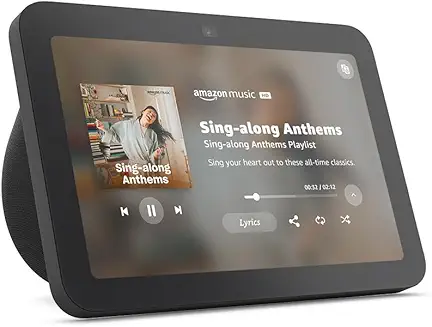
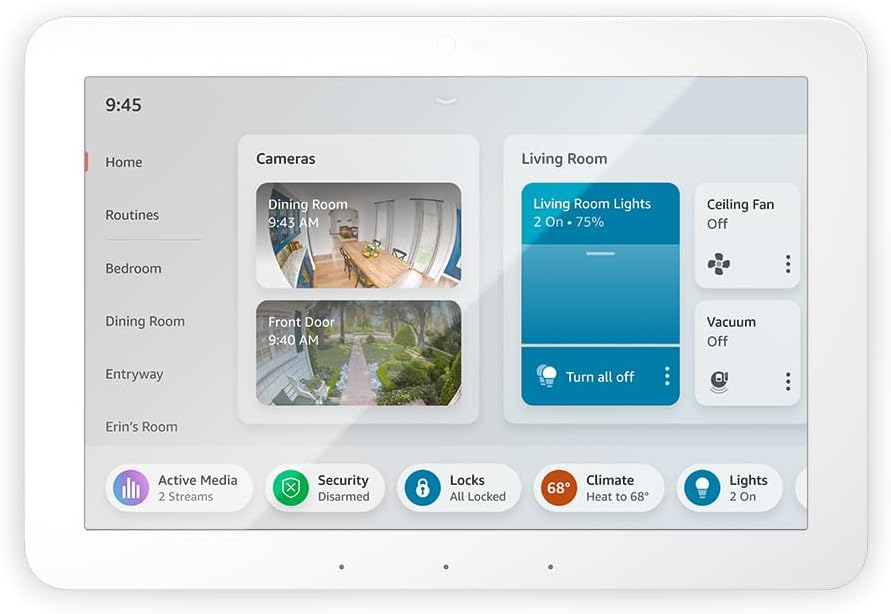
- Subtitles and Visual Feedback: Echo devices with screens offer video subtitles and visual cues for users with hearing loss, or those in noisy environments[2].
-
- Screen Reader Support: Echo Show devices feature built-in screen readers for blind or low-vision users, facilitating independent access to information[2][4].
-
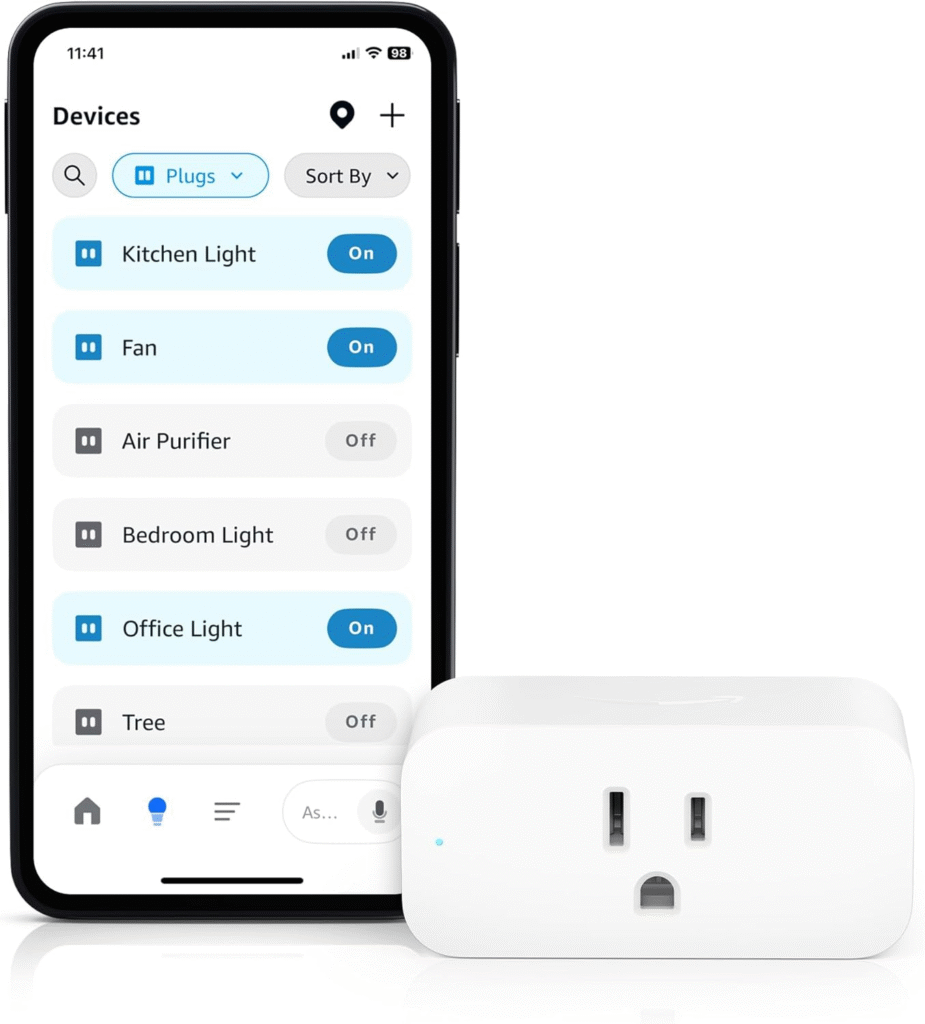
- Smart Home Integration: Alexa can control lights, appliances, locks, and more, supporting safer, more independent living for those with physical limitations[4][6].
-
- Customizable Routines: Users can automate daily tasks (e.g., medication reminders, turning on lights) with personalized routines[3][4].
-
- Hands-Free Communication: Alexa provides hands-free calling and messaging, connecting users to caregivers, family, and emergency contacts[2][6].
Hearing Accessibility
-
- Captioning for video content and spoken feedback[2].
-
- Visual alerts for timers, alarms, and notifications.
Mobility and Speech Accessibility
-
- Full voice control of home devices and services[2][4].
-
- Eye Gaze control for those unable to speak or move their hands[4].
-
- Alternative input methods for those with speech impairments.
Vision Accessibility
-
- Screen reader support enables navigation of Echo devices with displays[2][4].
-
- Audio feedback and Braille support for select devices and skills.
Real-World Impact: Stories from Alexa Users
Amazon regularly spotlights customers who use Alexa-enabled devices to enhance independence, manage daily routines, and connect with others[6]. For instance, blind users have found Alexa’s \”Show and Tell\” feature invaluable for identifying household products, while those with limited mobility rely on voice commands to operate their environment[2][6].
Best Practices for Maximizing Alexa’s Accessibility
-
- Explore the Alexa Accessibility Hub: Amazon’s dedicated hub offers guides, videos, and resources for configuring accessibility features tailored to specific needs[2].
-
- Customize Device Settings: Adjust speech rate, enable subtitles, or activate screen readers on Echo devices for personalized accessibility[2][4].
-
- Set Up Routines: Automate frequent tasks, such as turning on lights or setting reminders, to simplify daily living[3][4].
-
- Utilize Eye Gaze on Alexa: For users with severe mobility or speech impairments, enable and tailor the Eye Gaze dashboard on compatible tablets[4].
-
- Leverage Smart Home Devices: Integrate compatible smart home products for comprehensive hands-free control[4][6].
-
- Stay Updated: Regularly check for new features and updates, as Amazon frequently enhances accessibility across the Alexa ecosystem[1][3][4][11].
Developer Guidelines: Building Accessible Alexa Skills
Developers play a crucial role in expanding Alexa’s impact for people with disabilities. Amazon’s best practices for accessible skill development include clear voice prompts, support for alternative input methods, and ensuring compatibility with screen readers and assistive devices[8].\n
-
- Use plain language and short prompts.
-
- Offer multimodal feedback (voice, visual, tactile).
-
- Test skills with assistive technologies and diverse user groups.
Privacy and Security Considerations
As Alexa and Alexa+ become more personalized, users should review privacy settings and understand data permissions. Amazon continues to enhance privacy options, but users are encouraged to check device updates, especially regarding voice recording and consent features[7][9].
Conclusion
Alexa is more than a smart assistant—it’s an enabler of independence, accessibility, and inclusion for people with special needs. With ongoing innovation in AI and user-focused design, the Alexa ecosystem is poised to further transform lives. By leveraging current features and following best practices, individuals, caregivers, and developers can ensure that voice technology continues to empower everyone, regardless of ability.