Using Alexa with Multiple Hubs: Benefits, Drawbacks, and Best Practices
As smart homes become more sophisticated, the demand for seamless control across diverse devices and platforms intensifies. Amazon Alexa, with its robust ecosystem and voice capabilities, stands at the forefront of home automation. But what happens when your smart home setup grows beyond the limits of a single hub? In this article, we’ll explore the benefits, drawbacks, and best practices of using Alexa with multiple hubs, ensuring you maximize convenience without sacrificing reliability.
Understanding Alexa and Smart Home Hubs
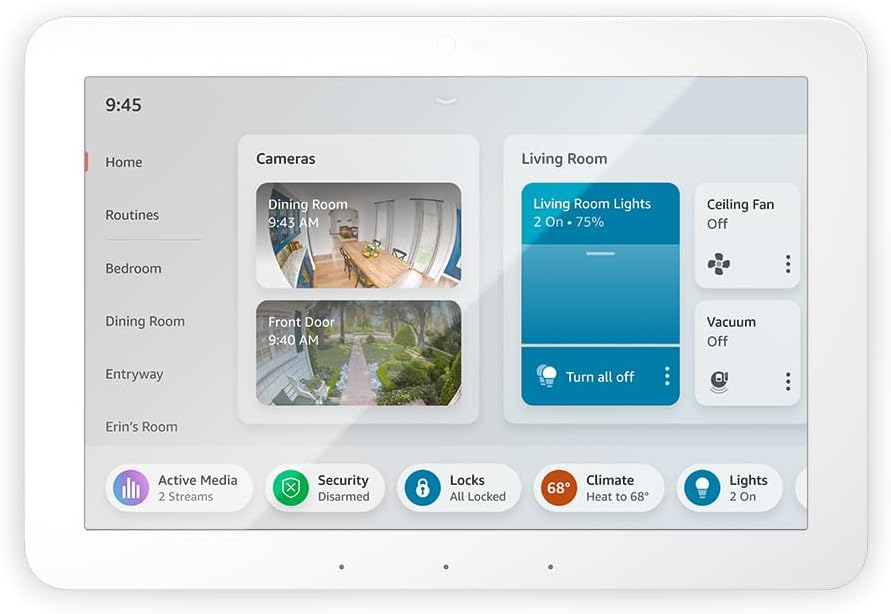
At its core, Alexa acts as a central control interface for a wide array of smart home devices. Traditionally, a hub (such as the Echo Hub, Philips Hue Bridge, or a proprietary brand hub) connects compatible devices—lights, thermostats, locks, and more—enabling unified management through a single app or voice assistant.[1]
What Is a Smart Home Hub?
- Centralizes device communication (e.g., Zigbee, Z-Wave, Wi-Fi)
- Allows integration of multiple brands and device types
- Acts as a bridge between voice assistants (Alexa) and smart devices
Why Multiple Hubs?
- Some ecosystems (like Philips Hue) require dedicated hubs for larger installations
- Advanced users may integrate several ecosystems (e.g., lighting, security, sensors)
- Home expansions or multi-building properties necessitate more than one hub
Benefits of Using Alexa with Multiple Hubs
1. Expanded Device Coverage and Flexibility
- Support for Larger Installations: Some systems, like Philips Hue, limit the number of devices per hub. Adding a second hub (or bridge) lets you expand your smart lighting network without sacrificing performance.[3]
- Multi-Ecosystem Integration: Manage Zigbee, Z-Wave, Wi-Fi, and proprietary devices under one Alexa-enabled interface, even if they require different hubs.[1]
- Room and Zone Management: Organize devices into logical groups or rooms, even across different hubs, for more granular control.[1]
2. Improved Reliability and Redundancy
- Reduces Single Points of Failure: If one hub malfunctions, devices on other hubs remain accessible via Alexa.
- Load Distribution: Spreading devices across multiple hubs can minimize latency and connectivity issues, especially in large homes or properties with Wi-Fi dead zones.
3. Seamless Voice Control and Automation
- Simplified Commands: Alexa’s latest updates allow control of devices across multiple bridges (e.g., multiple Philips Hue Bridges) with a single voice command, eliminating the need for workarounds or third-party skills.[3]
- Unified Routines: Create Alexa routines that trigger devices across hubs, such as a “Good Night” routine that locks doors, turns off lights, and adjusts thermostats—no matter which hub each device is on.[1]
4. Future-Proofing with Matter
- Support for the Matter protocol allows newer Alexa devices to communicate with a wider range of hubs and devices natively, further reducing compatibility headaches.[13]
Drawbacks and Challenges of Multiple Hubs with Alexa
1. Increased Complexity in Setup and Management
- Configuration Overhead: Each hub requires individual setup, firmware updates, and possibly separate accounts or apps.[1][3]
- Skill Linking: Alexa may need to link separate skills for each hub (e.g., multiple Hue skills), which can be confusing and time-consuming.[3]
- Device Discovery Issues: Occasionally, Alexa may struggle to identify devices with similar names across hubs, leading to duplicate entries or miscommunication.
2. Potential for Conflicting Automations
- Routines or schedules set up in different hubs might conflict, causing unexpected behavior (e.g., one hub turns a light on while another turns it off).
- Managing scenes and automations centrally in Alexa can help, but not all device features may be exposed to Alexa’s interface.
3. Limitations in Third-Party Support
- Some hubs or brands may not fully support integration with Alexa, especially if they lack certified Alexa skills or use proprietary protocols.
- If support for multi-hub setups is newly introduced (as with Philips Hue in 2025), there may still be bugs or missing features.[3]
4. Privacy and Security Considerations
- More hubs mean more endpoints, increasing the potential attack surface for hackers or privacy breaches.[15]
- Careful management of device permissions and regular updates are critical for maintaining security.
Best Practices for Managing Alexa with Multiple Hubs
1. Plan Your Smart Home Architecture
- Before adding multiple hubs, map out which devices are compatible with each platform and consider long-term scalability.
- Document device names, locations, and hub assignments to avoid confusion during setup and troubleshooting.
2. Leverage Alexa’s Grouping and Routines
- Create device groups in the Alexa app for each room or function, regardless of which hub the devices belong to.[1]
- Use routines to streamline automations and reduce the likelihood of conflicting schedules.
3. Stay Current with Firmware and Skills
- Regularly update your hubs’ firmware and Alexa skills to benefit from bug fixes and new features, such as improved multi-hub support.[3]
- Relink skills if devices or automations do not appear in Alexa after hub updates.
4. Embrace Matter and Cross-Platform Standards
- Where possible, prioritize devices and hubs that support Matter for maximum flexibility and future-proofing.[13]
- Monitor developer updates for expanded Alexa support of new hubs and standards.[6]
5. Maintain Strong Security Practices
- Use strong, unique passwords for each hub and the Alexa app.
- Enable two-factor authentication for your Amazon account and any third-party hub accounts.
- Regularly review device permissions and disable unused integrations.
Noteworthy Use Cases for Multi-Hub Alexa Setups
- Large Homes and Multi-Building Properties: Extend smart control across guest houses, garages, or outdoor spaces using multiple hubs.
- Business and Office Environments: Manage separate hubs for different departments or floors, all accessible via Alexa voice commands.
- Specialized Installations: Integrate security systems, advanced lighting, or environmental controls that require dedicated hubs.
Conclusion
Integrating Alexa with multiple hubs unlocks a new level of scalability and customization for smart home enthusiasts and professionals alike. While the setup involves added complexity and careful planning, recent improvements—such as native multi-bridge support for platforms like Philips Hue—are making the process more accessible than ever.[3] By following best practices and staying informed about evolving standards like Matter, you can enjoy a seamless, reliable, and secure smart home experience controlled effortlessly by Alexa.