Protecting Your Data with Alexa Devices: Best Practices for 2025
Introduction
As Alexa-enabled devices become integral to homes and businesses, protecting your personal data has never been more crucial. Recent updates to Amazon’s privacy policies, especially as generative AI features expand, mean that users must stay informed and proactive. This guide outlines the latest changes, potential risks, and actionable steps to safeguard your information while enjoying the convenience Alexa offers.
Alexa Devices and Data Collection: What’s New in 2025?
Amazon Echo and Alexa devices rely on voice commands to perform tasks, inevitably collecting and processing user data. In March 2025, Amazon removed the option for users to keep voice recordings on their device; now, all voice requests are sent to Amazon’s cloud for processing. This shift powers new AI capabilities but also increases privacy risks since your audio no longer stays local and must travel through Amazon’s servers [1][5][7].
- All voice recordings are now processed in the cloud—no more local-only storage options.
- Amazon promises that recordings can be deleted after processing if you enable “Don’t Save Recordings,” but transcripts of your requests may still be retained [1][2][3].
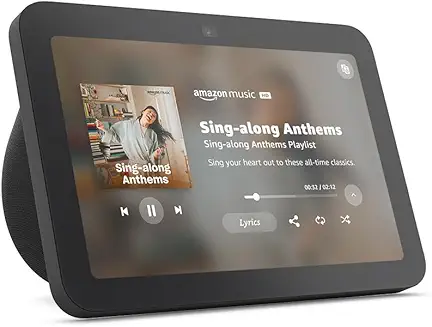
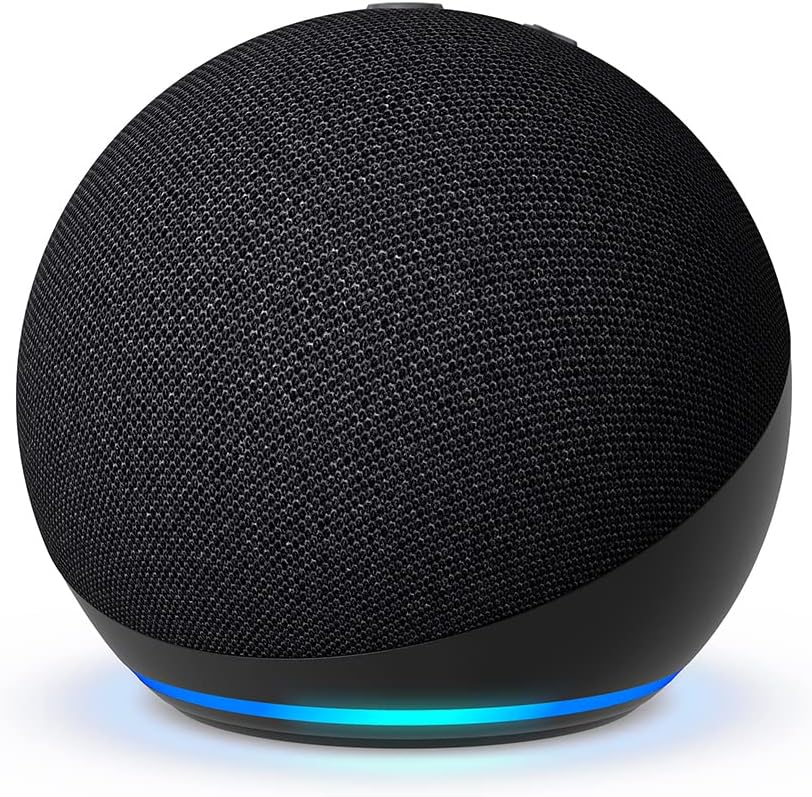
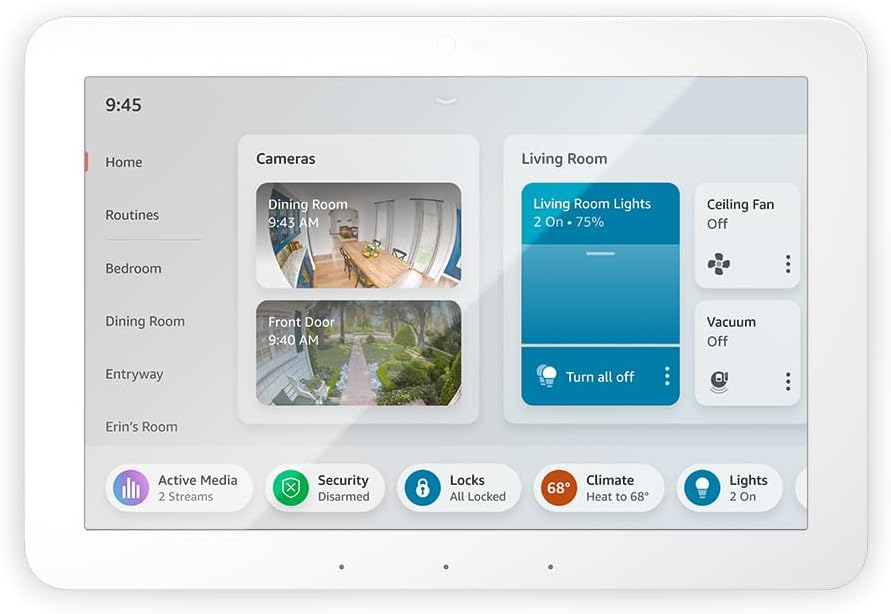
- This change affects popular devices including the Echo Dot (4th Gen), Echo Show 10, and Echo Show 15 in the US [1].
Key Risks: What Alexa Collects and How It’s Used
Alexa collects several types of personal information:
- Voice recordings and transcriptions of every command after the wake word [2][13].
- Device usage data, smart home interactions, and linked third-party accounts.
- Payment and shopping information if you use Alexa for purchases [2].
This data helps Alexa improve its functionality but also presents risks:
- Permanent retention of voice data unless manually deleted [8].
- Potential for data to be used in targeted advertising or shared with third parties [3][8].
- Unintended recordings if Alexa mistakes ordinary speech for its wake word [2][13].
Recent Security Incidents and Concerns
- The FTC has identified cases where Ring (an Amazon subsidiary) data practices enabled unauthorized access, underscoring wider concerns about cloud-based processing [8].
- Privacy experts warn that even “deleted” voice recordings might leave transcriptions in Amazon’s records [3].
- For businesses and regulated industries, mandatory cloud processing of voice data raises compliance challenges, especially under HIPAA or GDPR [5].
Best Practices for Protecting Your Data with Alexa Devices
Despite these challenges, you can take steps to enhance your data security:
1. Manage Voice Recording Settings
- Go to the Alexa app: Settings > Alexa Privacy. Review and adjust your voice recording preferences.
- Enable “Don’t Save Recordings” to prevent Amazon from keeping audio clips after processing [1][2][3].
- Regularly manually delete your voice history for better control [3][7].
2. Set a Unique Wake Word
- Use a wake word that doesn’t occur in everyday conversation to minimize accidental recordings [2].
3. Secure Your Amazon Account
- Use a strong, unique password for your Amazon account to prevent unauthorized access [2][6].
- Enable two-factor authentication for added security.
4. Control Device Access and Connectivity
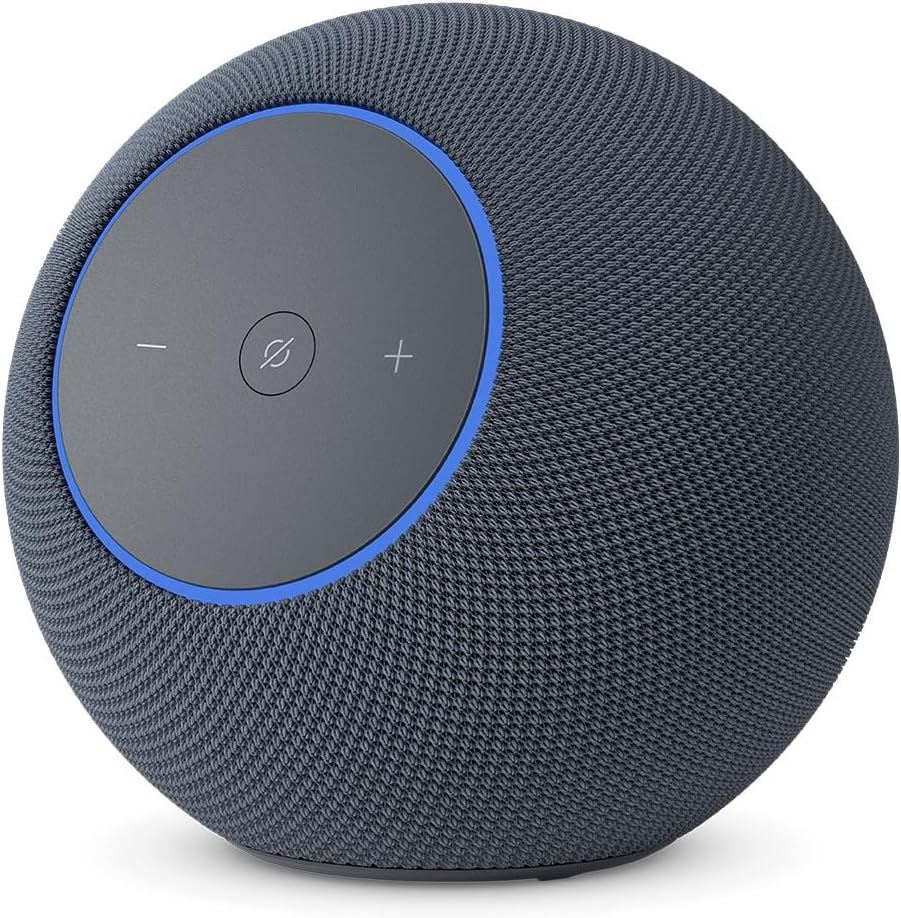
- Mute your Echo’s microphone when privacy is needed; use the physical mute button or app controls [3][6].
- Disconnect Alexa from sensitive third-party services unless necessary.
5. Keep Devices Updated
- Install firmware and software updates promptly. Updates often include critical security patches [4][6].
6. Use Privacy Tools and Review Permissions
- Regularly review what skills and integrations are active on your Alexa device.
- Disable unused skills and restrict permissions for apps and devices linked to Alexa [6][4].
7. For Businesses: Special Considerations
- Assess your risk if your organization operates in a regulated sector (healthcare, law, finance) [5].
- Limit Alexa’s use in spaces where sensitive information is discussed.
- Consult IT and legal teams about compliance with privacy regulations involving cloud data storage.
Amazon’s Security Measures: What’s Built In?
Amazon employs various security protocols to protect Alexa data:
- Encryption for data in transit and at rest [2][12].
- Payment card processing follows PCI DSS standards [2].
- Regular software updates and device hardening for certified products [4].
Developers and device manufacturers must also follow stringent security practices, such as:
- Cryptographically signed software updates
- Removal of unnecessary services from devices
- Independent security reviews
Frequently Asked Questions about Alexa Data Privacy
- Can I stop Alexa from sending my voice recordings to Amazon? As of March 28, 2025, this option is no longer available for most Echo devices in the US [1][5][7].
- Does Amazon keep transcripts after deleting voice recordings? Yes, disabling voice recording may not prevent storage of transcriptions of your requests [3].
- Can Alexa be hacked? While rare, vulnerabilities exist; regular updates and strong account security help reduce risk [4][6].
Actionable Checklist: How to Maximize Alexa Data Privacy
- Review and adjust Alexa privacy settings in the app.
- Delete voice recordings regularly.
- Change the wake word to something unique.
- Secure your Amazon account with a strong password and two-factor authentication.
- Mute the microphone when privacy is crucial.
- Keep device firmware up-to-date.
- Audit and disable unused skills and integrations.
- Limit use in sensitive environments, especially in business settings.
Conclusion
Alexa devices offer powerful tools for productivity and convenience, but they also introduce new privacy challenges, especially as generative AI features demand more cloud processing. By understanding the latest changes, knowing what data is collected, and following best practices, you can better protect your personal and business information in 2025 and beyond. Stay vigilant, review privacy settings often, and make informed choices about where and how you use smart voice assistants.