Empowering Lives: Using Alexa for Accessibility and Special Needs
Introduction
Technology continues to break barriers, and Amazon Alexa stands at the forefront of accessible innovation. From homes to classrooms, Alexa’s voice-first interface and smart features empower individuals with disabilities and special needs to lead more independent, connected, and fulfilling lives. This comprehensive guide explores how Alexa is transforming accessibility, highlights the latest advancements, and offers actionable tips for users and caregivers.
Why Alexa Matters for Accessibility
Alexa’s intuitive voice controls and adaptive devices make everyday tasks simpler for people with diverse abilities. Research shows that over 77% of adults living with a disability rely on technology for daily life, using it an average of 13 times per day[4]. Alexa’s accessibility features are thoughtfully designed to support users across four key areas:
- Hearing: Stay connected with subtitles and visual cues.
- Mobility: Unlock hands-free living with voice commands and smart home integration.
- Speech: Access help even without spoken language, using adaptive input options.
- Vision: Navigate devices and content with screen readers, high-contrast displays, and voice feedback.
Key Alexa Accessibility Features
1. Voice-First Control
Alexa’s core functionality—voice control—removes physical barriers and enables users to operate devices, manage schedules, play media, and control their environment with simple spoken instructions. For people with limited mobility or dexterity, this voice-first approach is transformative[2][4].
2. Eye Gaze on Alexa
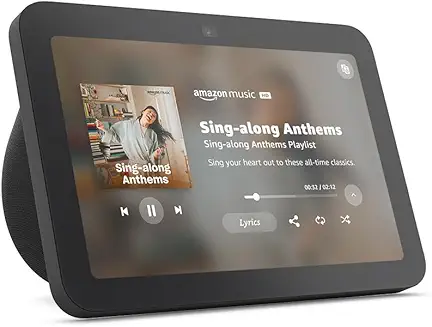
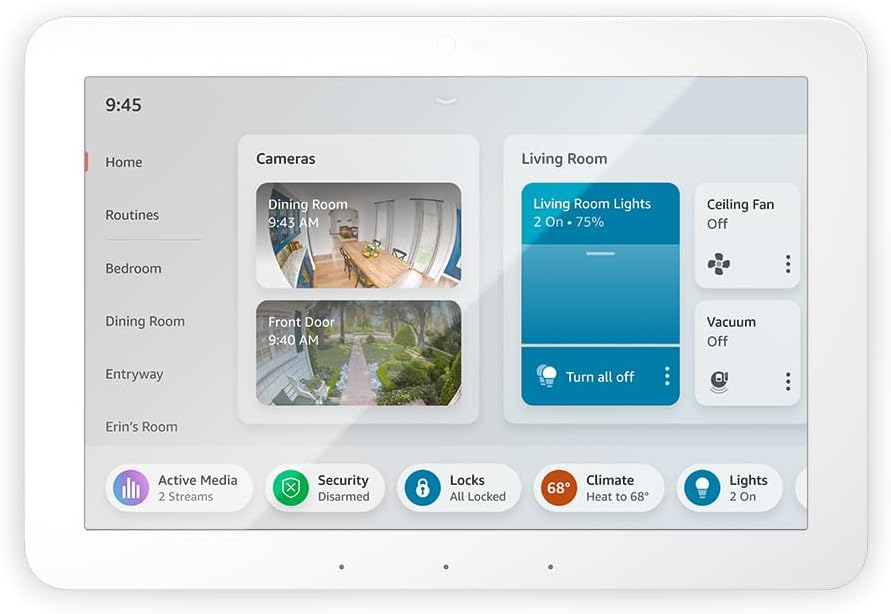
The Eye Gaze feature allows users with speech or mobility impairments to control Alexa using eye movement. Available on Fire Max 11 tablets, it lets users perform tasks such as playing music or adjusting lights by focusing on customizable dashboard tiles[4]. This feature is adjustable for individual needs and is provided at no extra cost.
3. Screen Reader and Visual Enhancements
- Subtitles on videos benefit users who are deaf or hard of hearing, as well as those in noisy environments.
- High-contrast displays and screen reader compatibility help users with low vision navigate Echo devices with screens[2].
4. Hands-Free Calling and Communication
Alexa-enabled devices offer hands-free calling, including mobile and landline options. This feature is especially valuable for users with mobility challenges, ensuring they can reach family, friends, or emergency services independently[2].
5. Smart Home Integration
Alexa seamlessly connects with smart home products, allowing users to:
- Monitor security cameras
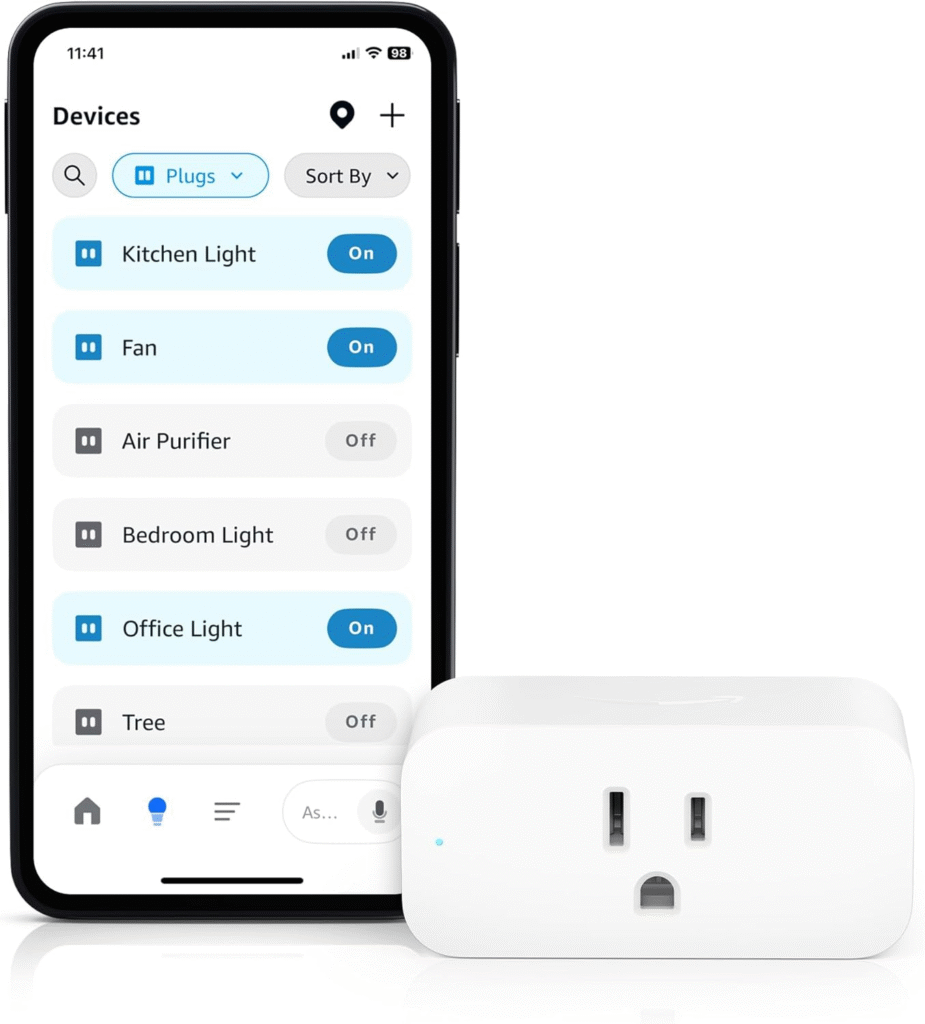
- Control lights, heating, and appliances
- Manage entertainment systems
These capabilities create a safer and more accessible environment for people with disabilities[4].
6. Proactive and Personalized Assistance (Alexa+)
Amazon’s latest upgrade, Alexa+, introduces advanced generative AI for more natural, conversational, and proactive assistance. Alexa+ can maintain multi-turn dialogues, remember user preferences (with permission), and provide tailored recommendations, making interactions more engaging and context-aware[1][3][5].
Real-Life Impact: Testimonials and Case Studies
- Robin Christopherson, Head of Digital Inclusion at AbilityNet and blind, describes Alexa as “gold” for its simplicity and ability to deliver concise responses without the complexity of traditional web interfaces[4].
- AbilityNet’s community reports increased independence, organization, and connectivity thanks to Alexa’s accessible features—from managing health information to scheduling reminders[2].
Best Practices for Maximizing Alexa Accessibility
- Customize Device Settings
- Explore Accessibility Hub resources for step-by-step guides and video tutorials[2].
- Adjust voice recognition sensitivity, enable subtitles, and configure visual settings as needed.
- Leverage Alexa Skills
- Install skills designed for accessibility, such as visual alarms, medication reminders, or games tailored to special needs.
- Check the Alexa Smart Skills list for up-to-date recommendations[2].
- Integrate with Smart Home Devices
- Connect compatible lights, thermostats, and appliances to create an adaptive environment.
- Use routines to automate daily tasks and simplify interactions.
- Explore Third-Party Resources
- Access podcasts, webinars, and articles from organizations such as AbilityNet and RNIB for expert insights[2].
- Stay Up-to-Date
- Amazon regularly updates its Echo devices and Alexa services with new accessibility features—watch for announcements and product refreshes[1][5][7].
Common Challenges and How to Overcome Them
- Privacy Concerns: Review device privacy settings and educate users about data usage. Alexa offers customizable privacy controls and transparency in data management[7].
- Skill Discoverability: Use the Alexa Accessibility Hub and community forums to find and share effective skills.
- Training and Support: Caregivers and educators can leverage tutorials and support resources to train users and adapt Alexa to individual needs.
Future Trends: Ambient AI and Accessible Innovation
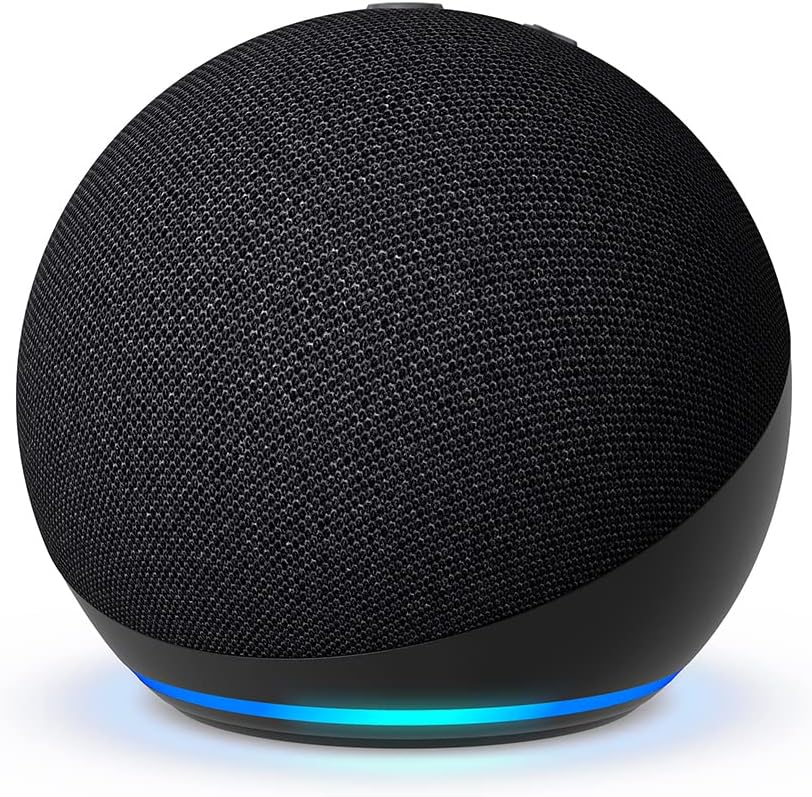
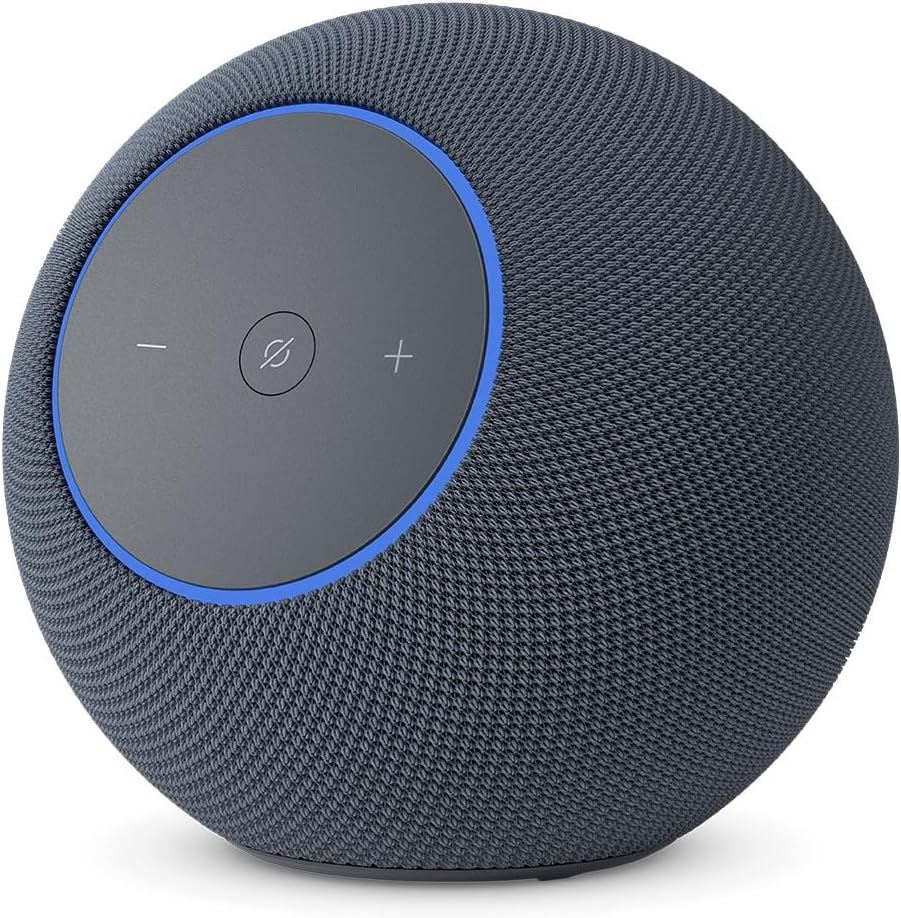
Alexa+ and new Echo devices are driving accessibility forward with ambient AI experiences, advanced sensor fusion, and edge-based computing. Expect smarter, more adaptive devices that seamlessly blend into daily life and extend independence for users with special needs[1][3][5].
Conclusion
Alexa’s accessibility features are more than technical enhancements—they are gateways to independence, inclusion, and empowerment. Whether for an individual, family, or organization, leveraging Alexa for accessibility opens new possibilities for everyone. Explore the resources, customize your device, and join a growing community dedicated to making technology fairer and more inclusive for all.
Further Resources
- Amazon Alexa Accessibility Hub: Central source for guides and updates[2]
- AbilityNet: Webinars, articles, and expert insights[2]
- RNIB Tech Talk Podcast: Discussions on accessible technology