Alexa Skills: How to Add Functionality to Your Smart Home
Introduction
Smart home technology has revolutionized the way we interact with our living spaces, making daily routines more convenient, efficient, and secure. At the forefront of this transformation is Amazon Alexa, an intelligent voice assistant powered by thousands of customizable Alexa Skills. These skills enable users to control devices, automate routines, and personalize their smart home experience through simple voice commands. In this comprehensive guide, we’ll explore how Alexa Skills work, the best practices for integrating them, and actionable steps to unlock the full potential of your smart home.
What Are Alexa Skills?
Alexa Skills are like apps for the Alexa voice assistant, adding new capabilities and connecting Alexa to smart devices, services, and information sources. Skills range from basic controls for lights and thermostats to complex integrations with security systems, entertainment platforms, and custom automations.
Whether you want to check the weather, start a morning routine, or lock your doors at night, Alexa Skills make it possible through simple voice interactions.
Types of Alexa Skills
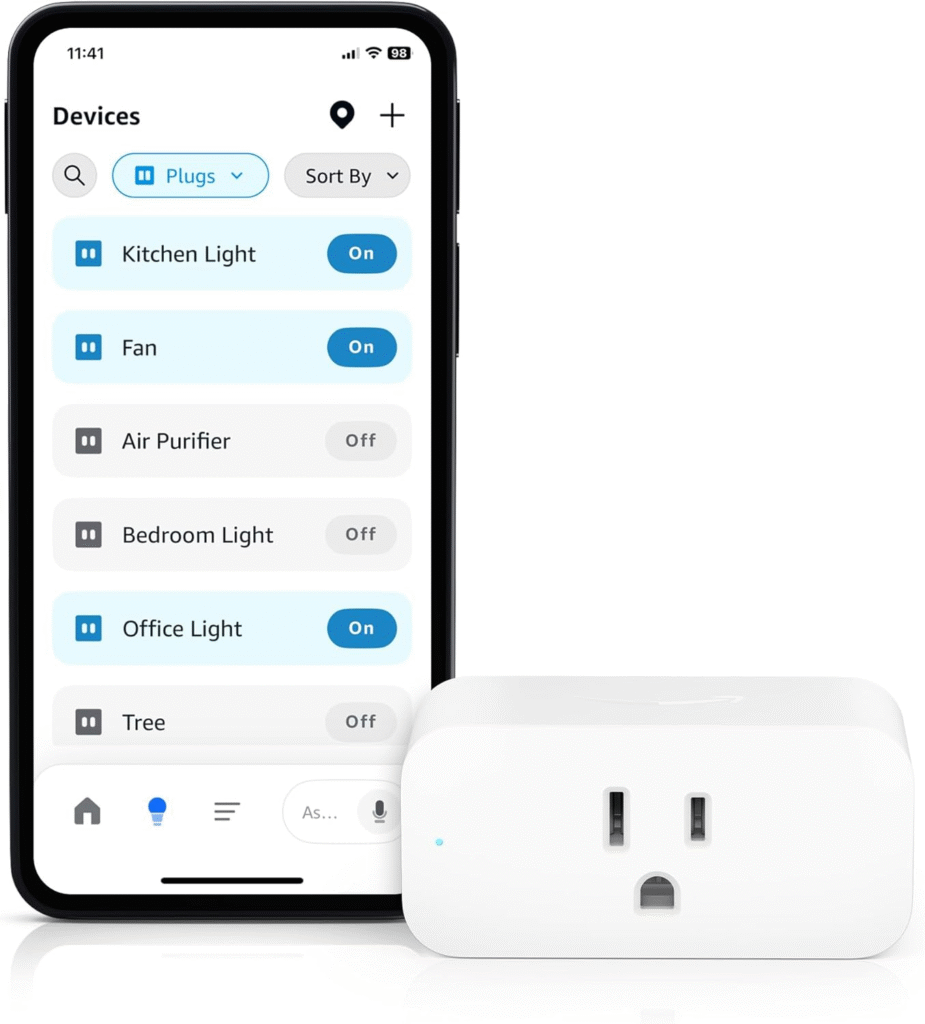
- Smart Home Skills: Directly control compatible devices like lights, plugs, thermostats, cameras, and more.
- Custom Skills: Unique voice experiences built for specific needs, such as personalized news briefs or custom actions.
- Flash Briefing Skills: Provide quick updates on news, weather, and other topics.
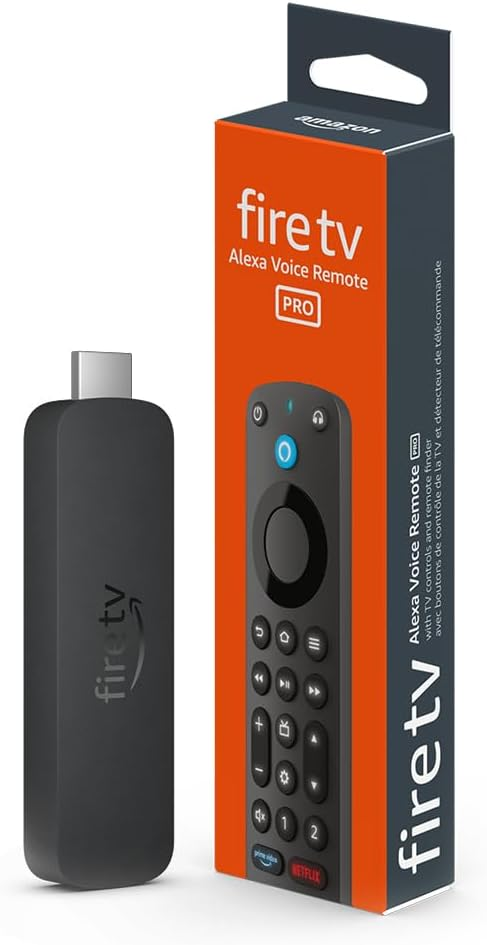
- Video Skills: Control smart TVs and streaming services via voice commands.
How Alexa Skills Enhance Your Smart Home
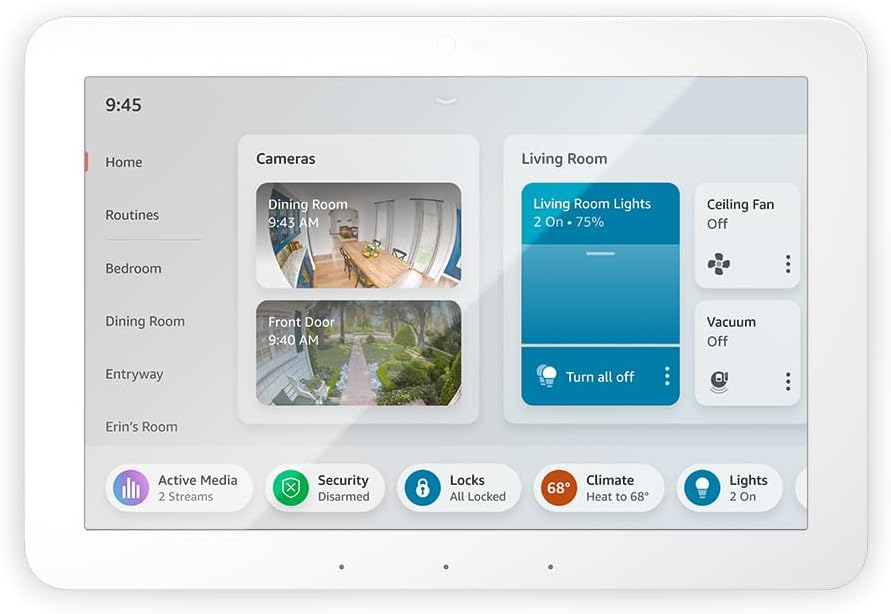
- Voice Control: Manage devices without lifting a finger—”Alexa, turn on the living room lights.”
- Automation: Set up routines like “Good Morning” to adjust lighting, temperature, and play your favorite music.
- Remote Access: Control smart devices from anywhere using the Alexa app.
- Personalization: Tailor skills to fit your preferences, schedules, and habits.
Getting Started with Alexa Skills
Adding or enabling Alexa Skills is simple and can be done via the Alexa app or voice commands. Here’s how to begin:
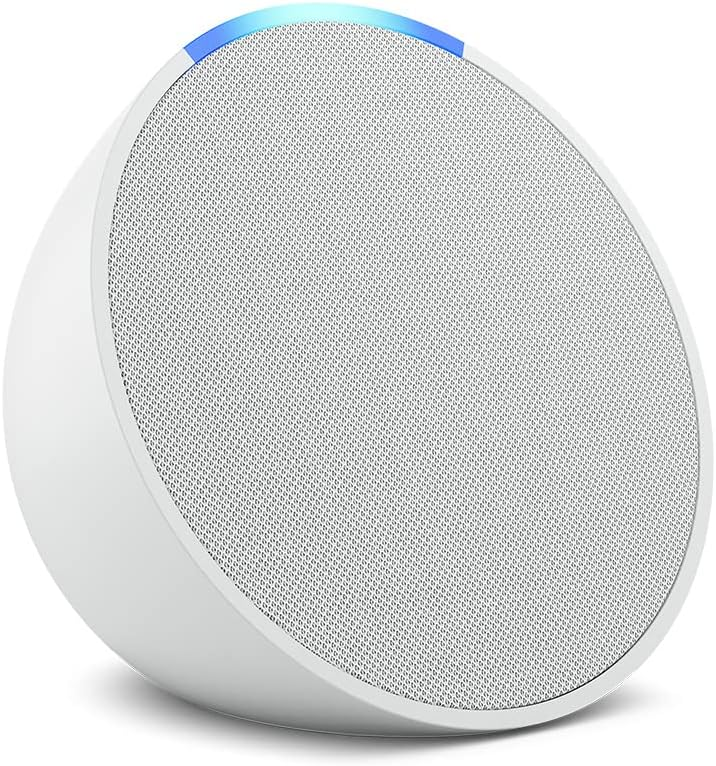
- Set Up Your Alexa Device
- Plug in and connect your Echo or Alexa-enabled device to Wi-Fi.
- Install and open the Alexa app on your smartphone.
- Browse and Enable Skills
- Use the Alexa app or Amazon website to browse the Skills Store.
- Select skills that suit your needs and tap “Enable.”
- Some skills may require linking to external accounts for full functionality.
- Discover Smart Home Devices
- Pair compatible smart devices (lights, plugs, thermostats, etc.) via the Alexa app.
- Run device discovery to sync and organize devices for voice control.
- Customize Routines
- Set up routines in the Alexa app to automate multiple actions with a single command.
- Example: “Alexa, good night” to turn off lights, lock doors, and adjust the thermostat.
Best Practices for Maximizing Alexa Skills
To ensure a seamless and efficient smart home experience, consider these best practices for skill selection, setup, and management:
1. Use the Latest Smart Home Skill API
- Ensure your smart home skills target payload version 3 for the most up-to-date features and compatibility[2].
- Upgrade older skills to maintain optimal performance and access new capabilities.
2. Provide Accurate Device Information
- Use correct displayCategory and manufacturer details for easy identification in the Alexa app[2].
- Define additional attributes to improve device management and user experience.
3. Enable Proactive State Reporting
- Support Alexa.EndpointHealth to report device status and health[2].
- Implement StateReport and ChangeReport events for real-time updates and notifications[2].
4. Design for Voice First
- Prioritize intuitive voice commands and clear invocation names for easy use[1][3].
- Test your skill thoroughly to ensure accuracy and responsiveness[1].
5. Secure Your Smart Home
- Regularly update device firmware and skill permissions.
- Use account linking and multi-factor authentication for sensitive devices.
Building Custom Alexa Skills for Your Smart Home
If you want to go beyond the Skills Store and develop personalized voice experiences, you can build your own Alexa Skills using the Alexa Skills Kit (ASK). This toolkit provides resources, code samples, and APIs for developers of all levels[7][11].
Basic Steps to Build a Custom Skill
- Plan and Design
- Define the skill’s purpose, user interactions, and required device integrations[5].
- Create the Skill in Developer Console
- Sign in to the Amazon Developer Console and select the Alexa Skills Kit[3][4].
- Choose a unique name and set up invocation phrases.
- Build the Interaction Model
- Specify user utterances, intents, and slots for voice recognition.
- Develop and Test
- Write backend logic using Node.js or other supported languages[1].
- Test with sample devices and voice commands.
- Publish and Iterate
- Submit for certification and publish to the Skills Store[3].
- Monitor usage and gather feedback to improve the skill.
Top Alexa Skills to Try for Your Smart Home
- Philips Hue: Voice control over lighting scenes and brightness.
- SmartThings: Integrate and automate devices from multiple brands.
- Ring: Monitor doorbell cameras and receive security alerts.
- Ecobee: Adjust your smart thermostat for energy savings.
- Spotify: Stream music throughout your home with simple commands.
- Custom Routines: Combine multiple actions for personalized automation.
Frequently Asked Questions
- Can Alexa Skills work with devices from different brands?
Yes, many skills support integration across brands through platforms like SmartThings or direct manufacturer skills. - Do I need programming experience to use Alexa Skills?
No programming is needed to enable and use skills. Coding is only required for custom skill development. - How secure is my smart home with Alexa?
Alexa uses account linking, encryption, and regular updates to keep your devices secure. Always follow best practices for passwords and permissions.
Conclusion
Alexa Skills are the gateway to a smarter, more connected home. Whether you’re enabling pre-built skills or developing your own, Amazon’s ecosystem offers flexibility, security, and convenience for every lifestyle. Start exploring new skills today, automate your routines, and experience the power of voice-driven smart home control. Your home’s future is just a command away.