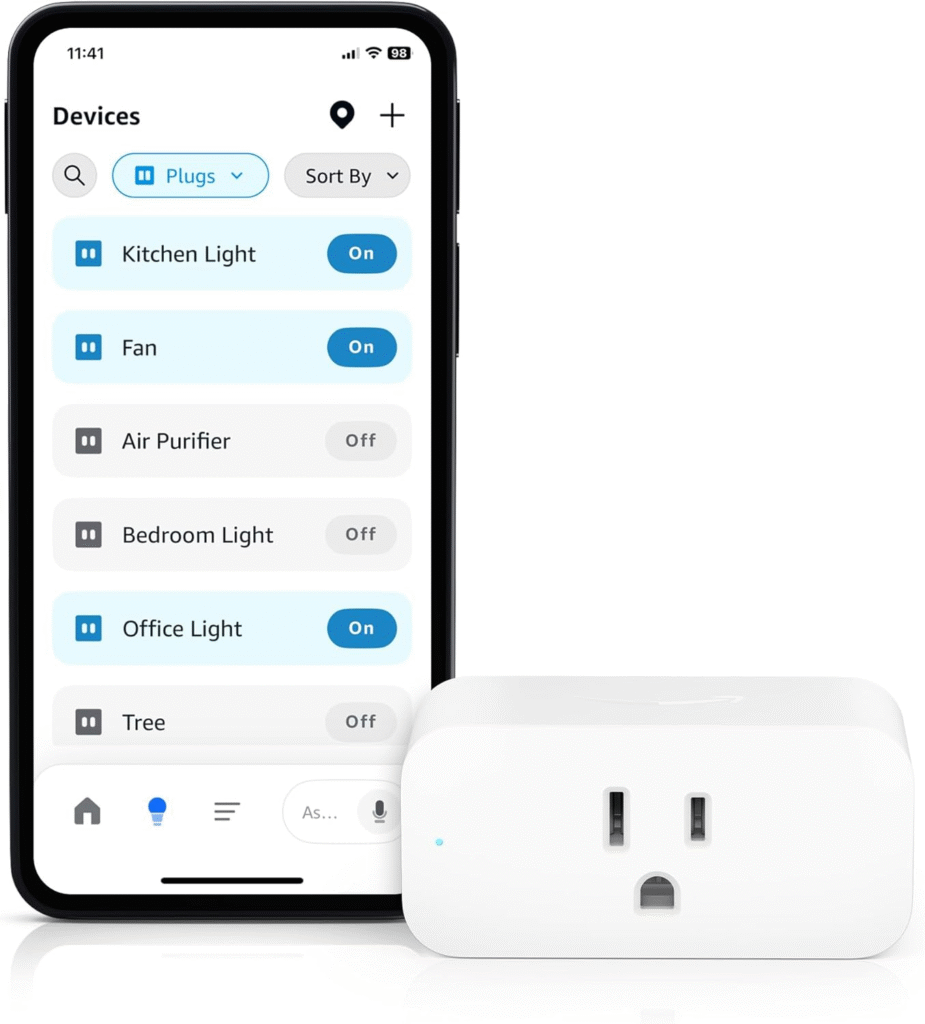
Alexa Skills: How to Add Functionality to Your Smart Home
Voice assistants have revolutionized the way we interact with technology, and Amazon’s Alexa stands at the forefront of this transformation. With Alexa Skills, users can extend the capabilities of their smart home devices, turning everyday routines into seamless, hands-free experiences. This comprehensive guide explores how Alexa Skills work, the best practices for integrating them into your smart home, and practical steps to develop or customize skills for truly personalized automation.
What Are Alexa Skills?
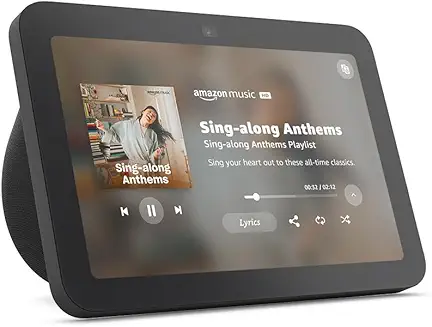
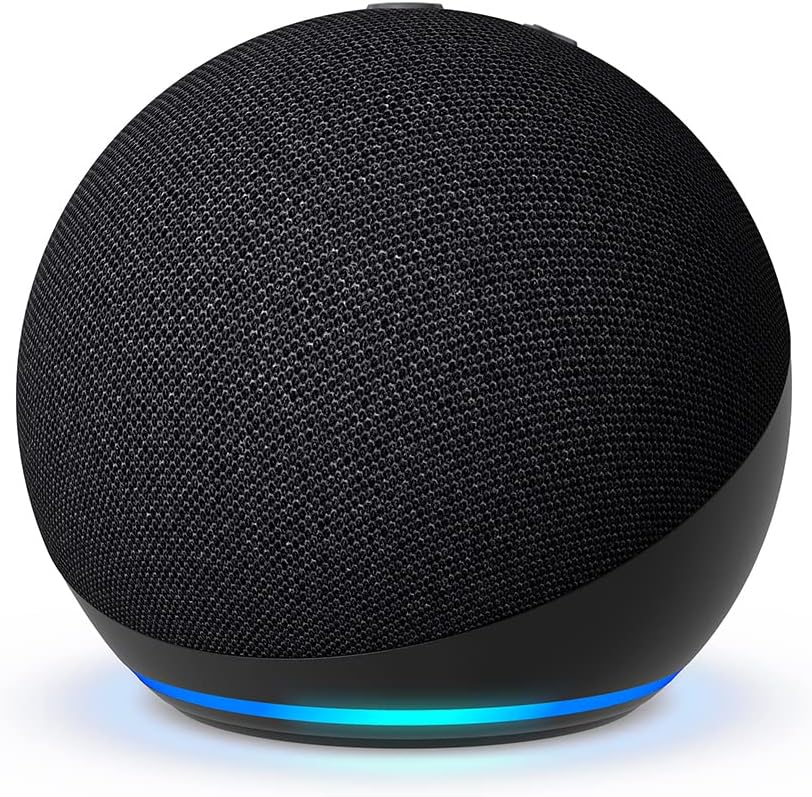
Alexa Skills are voice-driven capabilities that enhance what Alexa can do. Think of them as apps for your smart speaker or display. Skills can control smart home devices, provide news updates, play games, manage tasks, and much more. They make Alexa adaptable and allow for tremendous customization of your smart home experience.
Why Add Alexa Skills to Your Smart Home?
- Enhanced Device Control: Operate lights, thermostats, security systems, and appliances using simple voice commands.
- Personalized Routines: Automate sequences of actions based on time, activity, or other triggers.
- Expanded Entertainment: Stream music, play audiobooks, or control your TV hands-free.
- Information On-Demand: Get weather updates, news briefings, or traffic reports instantly.
- Accessibility: Make home technology easier for children, seniors, or those with disabilities.
How Alexa Skills Integrate with Smart Home Devices
Alexa Skills connect with compatible smart home devices via cloud-based APIs. When you say, “Alexa, turn on the living room lights,” Alexa processes your voice, translates it into a directive, and communicates with the device manufacturer’s cloud service to execute the command. This allows for seamless control over a vast ecosystem of devices from different brands, all unified under Alexa’s voice interface [2][4].
Types of Alexa Skills for Smart Homes
- Smart Home Skills: These skills use a pre-built interaction model and are designed specifically for device control (e.g., lights, thermostats, locks).
- Custom Skills: More flexible and customizable, these can provide unique interactions, routines, or integrations beyond standard device control.
- Flash Briefing Skills: Deliver news, weather, or personalized updates as part of your daily routine.
- Blueprint Skills: User-generated skills created through Amazon’s Blueprint platform for personalized experiences (e.g., custom Q&A, household instructions).
How to Add Alexa Skills to Your Smart Home
- Use the Alexa App:
- Open the Alexa app on your smartphone or tablet.
- Tap on the “More” menu and select “Skills & Games.”
- Browse or search for skills (e.g., “Philips Hue” or “Nest”).
- Select a skill and tap “Enable to Use.”
- Link your device account if required (e.g., sign in to your Philips Hue account).
- Discover devices and test the new functionality.
- Enable Skills by Voice:
- Simply say, “Alexa, enable [Skill Name].” Alexa will guide you through setup if additional steps are needed.
- Customize and Organize:
- Use the “Routines” section in the Alexa app to create multi-step actions triggered by a single phrase (e.g., “Alexa, good morning”).
Popular Alexa Skills for Smart Home Automation
- Philips Hue: Control and customize smart lights.
- SmartThings: Integrate and automate devices from multiple brands.
- Ring: Manage smart doorbells and security cameras.
- ecobee: Adjust smart thermostats via voice.
- IFTTT: Connect Alexa to thousands of web services and devices for complex automation.
- Custom Routines: Set up routines for wake-up, bedtime, or coming home.
Best Practices for Using Alexa Skills in Your Smart Home
- Choose Reputable Skills: Prioritize official or well-reviewed skills to ensure security and reliability.
- Keep Devices Updated: Regularly update both Alexa and your smart devices for compatibility and new features.
- Test Voice Commands: Check how Alexa interprets your commands and adjust device names or routines for clarity.
- Limit Permissions: Only grant necessary permissions to third-party skills, especially those that access sensitive data or devices.
- Review Skill Activity: Periodically check your skill usage and disable those you no longer need.
Developing Your Own Alexa Smart Home Skills
For advanced users or developers, creating custom Alexa Skills can unlock unique integrations and automations tailored to your specific needs. Amazon provides robust tools through the Alexa Skills Kit (ASK) and Alexa Smart Home Skill API for this purpose [1][4][7].
Overview of the Skill Development Process
- Create a Developer Account: Sign up at Amazon Developer Console (free).
- Set Up AWS Account: Required for hosting skill logic (often via AWS Lambda).
- Design Your Skill: Decide if you need a Smart Home Skill (device control) or Custom Skill (unique interactions).
- Build and Test: Use the developer console to create, code, and test your skill. Node.js is commonly used for logic [1][3].
- Account Linking: If integrating with third-party devices or services, configure secure account linking.
- Submit for Certification: After thorough testing, submit your skill for Amazon review and publication.
Key Considerations When Developing Alexa Skills
- Voice User Interface (VUI) Design: Prioritize clarity and simplicity. Alexa Skills often lack visual feedback, so responses must be concise and informative [1][3].
- Security: Follow best practices for authentication and data privacy, especially with account linking and device control.
- Testing: Rigorously test for varied speech patterns, device responses, and error handling [1][4].
- Localization: Consider supporting multiple languages and regions, as Alexa is used globally [4].
Future Trends: Alexa and the Smart Home Ecosystem
- Increased AI Personalization: Alexa is evolving to anticipate user needs and provide more proactive assistance.
- Broader Device Compatibility: Ongoing expansion of supported brands and types of devices.
- Deeper Automation: Enhanced routines and triggers, including location-based or sensor-driven automations.
- Monetization Opportunities: Developers can now monetize some types of skills, adding incentives for innovation [1].
Conclusion
Alexa Skills are the cornerstone of a dynamic, responsive smart home. Whether you’re a homeowner seeking streamlined automation or a developer aiming to create new experiences, understanding and leveraging Alexa Skills will unlock the full potential of your devices. By following best practices in selection, customization, and development, you can ensure a secure, intuitive, and powerful smart home environment that evolves with your needs.