Smart Home Privacy: What Alexa Devices Collect and How to Protect Yourself
Alexa-enabled devices have become an integral part of modern homes, offering convenience and automation—but also raising critical questions about privacy. As Amazon shifts all Alexa voice processing to the cloud in 2025, understanding what data these devices collect, how it’s used, and what you can do to protect your personal information is more important than ever.
What Data Do Alexa Devices Collect?
Alexa devices work by responding to voice commands, but behind this simplicity lies a complex data collection ecosystem. Here’s a breakdown of what Alexa collects:
- Voice Recordings: Every command or query after the wake word (“Alexa,” “Echo,” or “Amazon”) is recorded and transmitted to Amazon’s servers, where it is transcribed, analyzed, and stored. These recordings may contain personal or sensitive information if spoken aloud [2].
- Device Usage Data: Alexa collects information about how you use your device, including what commands you issue, how often, and interactions with third-party skills or smart home devices [2].
- Location Information: If enabled, Alexa accesses your device’s geolocation to provide local services like weather updates, nearby searches, and traffic information [2].
- Personal Identifiable Information (PII): Setting up Alexa features can involve providing your name, email, phone number, and home address, especially for services like voice purchasing or profile creation [2].
- Payment and Shopping Data: When making purchases through Alexa, your Amazon account’s payment and shipping details are used and stored [2].
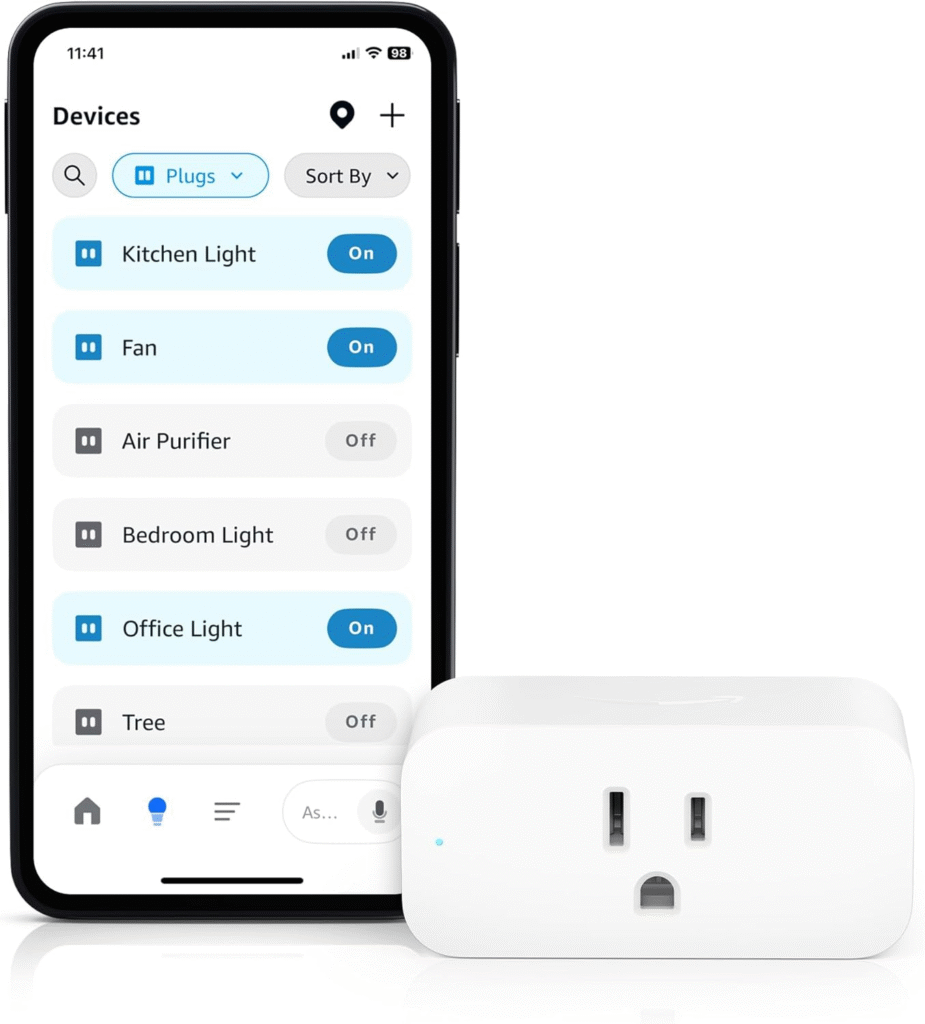
- Data from Connected Devices: Alexa can gather metadata from other smart home devices on your network—even those not directly integrated with Alexa [1].
How Does Amazon Use the Data?
Amazon’s Privacy Notice outlines several ways your data may be used:
- Service Delivery: To fulfill voice requests, control smart devices, play media, or initiate calls [2].
- Personalization: To tailor recommendations, recognize individual voices, and customize user experience [2].
- Product Improvement: To enhance speech recognition, develop new features, and train artificial intelligence systems [1].
- Marketing and Advertising: To serve relevant ads and offers based on your interactions and purchase history [2][3].
- Fraud Prevention and Security: To detect unauthorized activity and protect your account [2].
- Legal Compliance: To respond to government requests or comply with court orders [2].
2025 Update: End of Local Voice Processing
Starting March 28, 2025, Amazon Echo devices will no longer process voice commands locally; all audio interactions will be sent to Amazon’s cloud for processing [1][3][5]. This change affects privacy in several ways:
- Greater Data Centralization: All voice data, including previously offline commands, will be stored and processed remotely.
- Increased Risk Exposure: Centralized cloud storage potentially increases the risks of data misuse, hacking, or unwanted sharing with third parties [3][5].
- Reduced User Control: Users lose the option for on-device processing, limiting privacy choices and increasing reliance on cloud-based protections [1][3].
What Are the Main Privacy Risks?
- Constant Listening: Alexa devices are always listening for their wake word, and accidental triggers can lead to unintended recordings [11].
- Retention of Voice Data: By default, Amazon saves your voice recordings, which can be used to build detailed profiles of your habits and preferences [2].
- Potential for Human Review: Amazon employees or contractors may review anonymized voice snippets to improve Alexa’s accuracy, though identifying information is generally removed [1][2].
- Third-Party Access: Data may be shared with third-party developers or advertisers, raising concerns about broader data dissemination [3][2].
- Legal and Security Vulnerabilities: Data stored in the cloud is subject to government requests and potential breaches [2].
How to Manage and Protect Your Privacy with Alexa Devices
You can take several steps to safeguard your privacy while still enjoying the benefits of Alexa:
1. Review and Delete Voice Recordings
- Regularly review your voice history using the Alexa app or online dashboard.
- Delete individual recordings or set Alexa to automatically delete recordings after 3 or 18 months, or opt out of saving them altogether [2][5][7].
2. Adjust Privacy Settings
- Access the Alexa Privacy Dashboard to manage permissions for location, contacts, and third-party skills [2][3][7].
- Limit data sharing with third parties and disable features you do not use.
3. Control Microphone and Camera Access
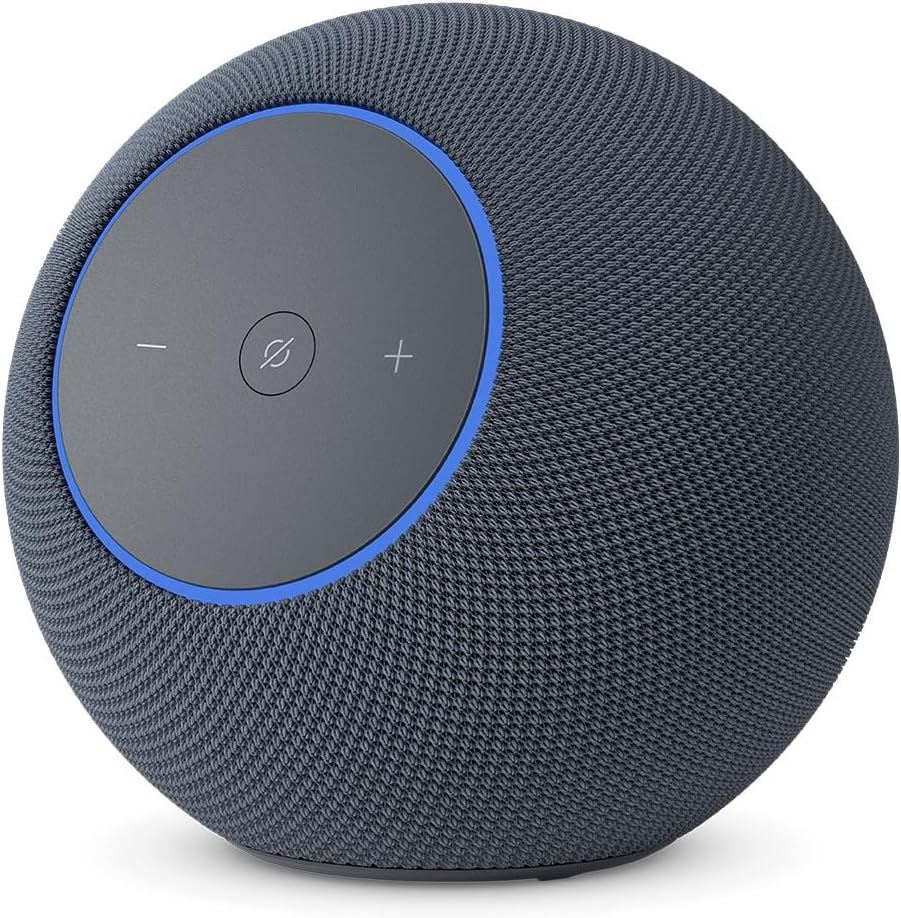
- Physically mute your device’s microphone when not in use.
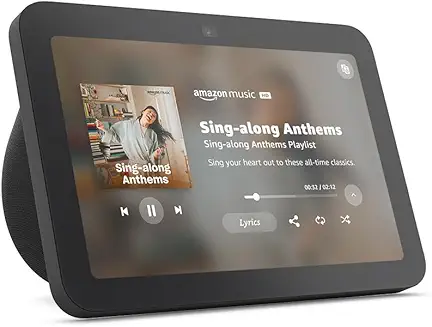
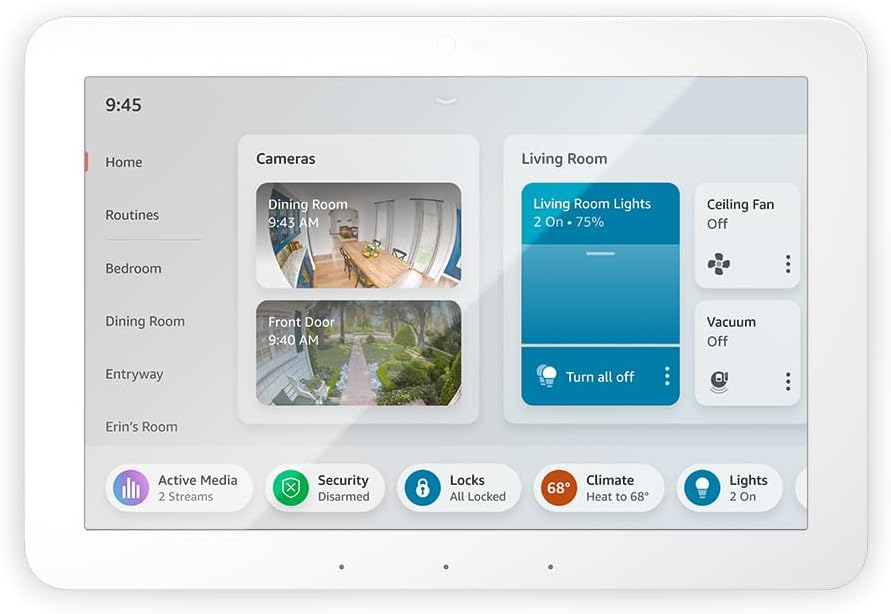
- Cover or disable built-in cameras, especially on Echo Show devices [7][6].
4. Use a Unique Wake Word
- Set a wake word that is less likely to be triggered accidentally, reducing unintended recordings [2].
5. Secure Your Amazon Account
- Use a strong, unique password and enable two-factor authentication to prevent unauthorized access [2].
6. Be Cautious with Smart Home Integrations
- Carefully review permissions before connecting third-party devices or skills to Alexa.
7. Stay Informed
- Keep up with Amazon’s privacy policy updates and review new features or changes in data handling [2][5].
Comparing Alexa’s Privacy to Other Smart Speakers
| Device | Voice Data Processing | Default Data Retention | Opt-out Options |
|---|---|---|---|
| Amazon Alexa | Cloud-based (as of 2025) | Saved by default | Limited (can delete, but transcripts may remain) |
| Apple HomePod | On-device processing for many commands | Minimal, not tied to Apple ID | More robust privacy controls |
| Google Nest | Mix of cloud and on-device | Saved by default | Can review and delete recordings |
Frequently Asked Questions
Can I stop Alexa from recording everything?
You can prevent Alexa from saving your voice recordings, but transcripts of requests may still be stored by Amazon. Muting your device’s microphone is the only way to ensure no audio is being processed [3][5].
Does deleting recordings remove all my data?
Deleting voice recordings removes the audio clips, but Amazon may retain transcripts or metadata for analytics and service improvement [3][5].
Can Alexa be used securely in a smart home?
Yes, if you actively manage your privacy settings, limit unnecessary integrations, and stay vigilant about new features or policy changes [6][2].
Conclusion: Balancing Convenience and Privacy
Alexa offers unprecedented convenience but requires thoughtful management of your personal data. With Amazon’s move to cloud-only processing in 2025, taking proactive steps to protect your privacy is more critical than ever. Regularly reviewing your privacy settings, deleting voice recordings, and understanding what Alexa collects will help you maintain control over your smart home environment.