Top 10 Alexa Voice Commands for Everyday Life: Unlocking Convenience and Productivity
Voice assistants have become a staple in modern households, and Amazon Alexa leads the pack with its powerful suite of commands. From automating daily routines to managing your calendar, Alexa’s voice controls bring hands-free convenience and smarter living to your fingertips. This guide dives into the top 10 Alexa voice commands for everyday life, offering actionable tips and current best practices to help you make the most of this versatile assistant.
Why Alexa Voice Commands Matter in 2025
As Alexa’s AI capabilities evolve, voice commands have become more conversational, personalized, and intuitive, making it easier than ever to streamline daily tasks, boost productivity, and enhance home automation. According to recent research, most users stick to basic functions like music and timers, but Alexa conceals a range of advanced commands that deliver real value to your routine.[1][3]
The Top 10 Alexa Voice Commands for Everyday Life
-
“Alexa, Good Morning” or “Alexa, Start My Day”
Begin your day with a personalized morning routine. Alexa can deliver the weather, news, traffic updates, and even play your favorite playlist— all with one command. Customize routines via the Alexa app to automate multiple actions.[1][7][10]
-
“Alexa, Set a Timer for [X] Minutes”
Whether you’re cooking, working out, or managing screen time, Alexa’s timer feature is indispensable. Set multiple timers at once, each with custom labels.[2][3][5]
- “Alexa, set a pizza timer for 20 minutes.”
- “Alexa, remind me to check the oven at 5 PM.”
-
“Alexa, Add [Item] to My Shopping List”
Streamline grocery shopping by adding items to your list as you run out. Sync lists with your phone for seamless access at the store.[3][5]
-
“Alexa, Turn On/Off [Device/Room]”
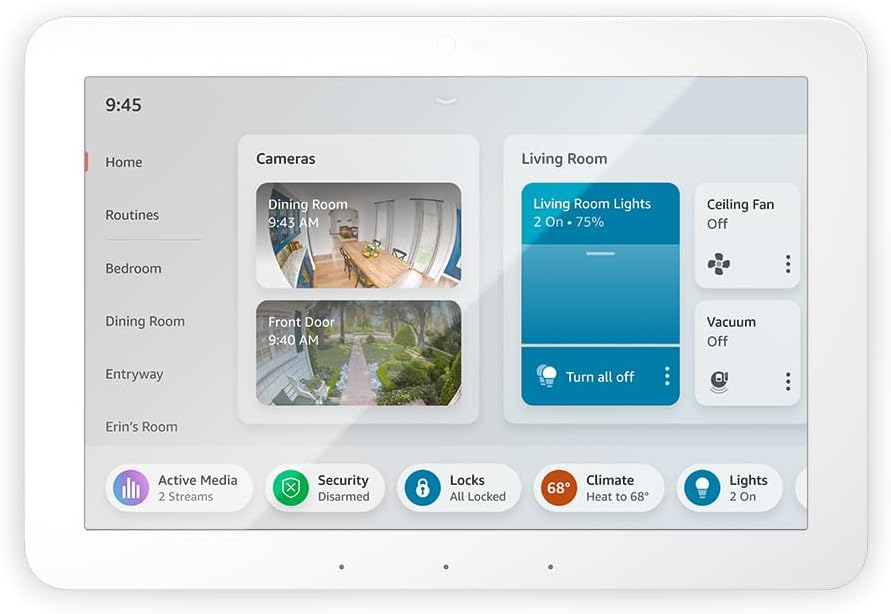
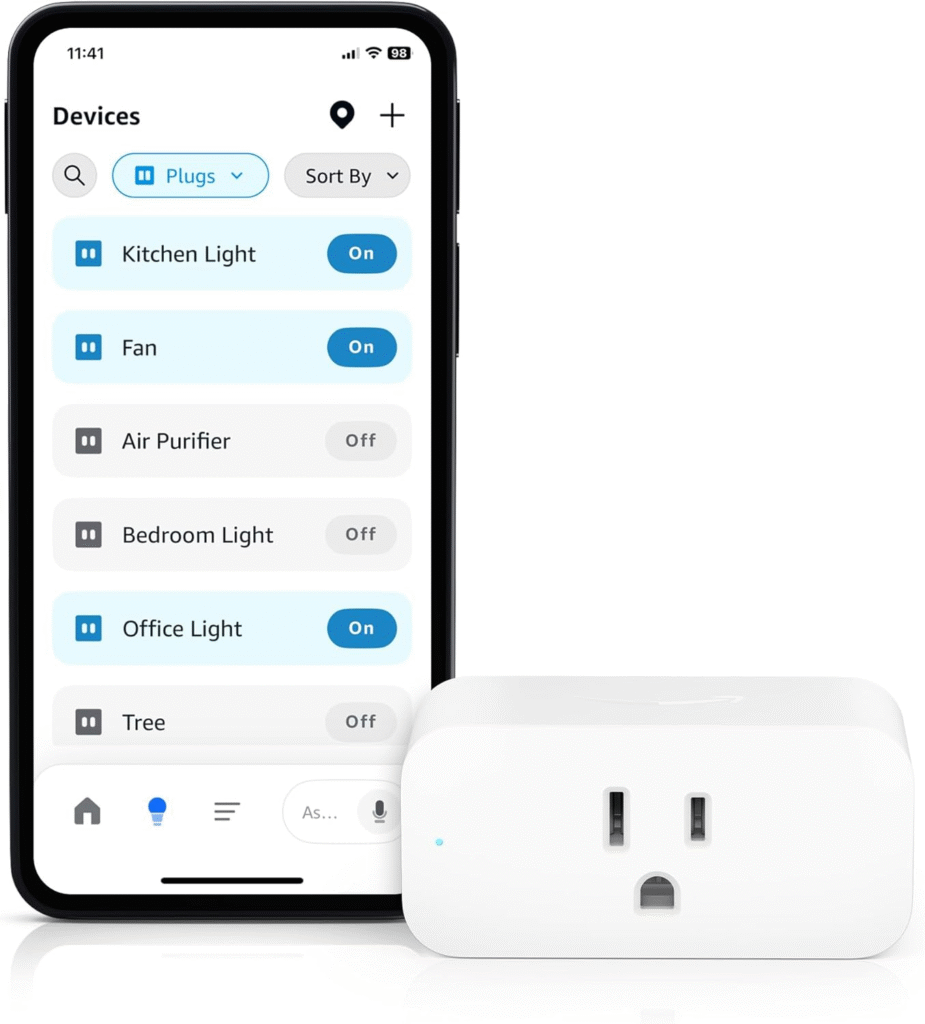
Control smart home devices—lights, thermostats, plugs, and more—using simple voice commands. Set schedules or automate routines for hands-free home management.[1][3][4]
- “Alexa, turn off the living room light.”
- “Alexa, adjust the thermostat to 72 degrees.”
-
“Alexa, What’s the Weather Today?”
Get real-time weather updates and forecasts for any location. Alexa can also provide information on sunrise, sunset, and severe weather alerts.[2][3]
-
“Alexa, Remind Me to [Task] at [Time]”
Never miss an appointment, medication, or important event. Set one-time or recurring reminders for any task.[3][5]
- “Alexa, remind me to take my medicine at 8 AM.”
-
“Alexa, Play [Music/Artist/Playlist]”
Enjoy hands-free access to your favorite music, radio stations, podcasts, and audiobooks. Ask Alexa to play, pause, skip, or adjust the volume.[2][3][9]
- “Alexa, play relaxing jazz music.”
-
“Alexa, Add an Event to My Calendar”
Manage your schedule with voice commands. Add, check, or update calendar events and get reminders for upcoming meetings.[4]
- “Alexa, add an event: Dentist appointment tomorrow at 3 PM.”
-
“Alexa, Track My Amazon Order”
Stay updated on deliveries without opening apps. Alexa can provide shipment status, estimated arrival, and even notify you of package arrivals.[1][3]
-
“Alexa, Announce ‘[Message]’”
Use Alexa as an intercom to broadcast messages across all Echo devices in your home. Perfect for calling the family to dinner or sending quick reminders.[3][5]
- “Alexa, announce ‘Dinner is ready!’”
Best Practices for Maximizing Alexa Voice Commands
- Personalize Your Experience: Set up voice profiles for each household member to get tailored responses and recommendations.[1][3]
- Automate Routines: Use Alexa routines to combine multiple actions under one command, such as “Alexa, good night” to lock doors, turn off lights, and set alarms.[1][7]
- Manage Privacy: Regularly review Alexa’s privacy settings, delete voice recordings, and customize data sharing for peace of mind.[1]
- Explore Alexa Skills: Enable third-party Alexa Skills for games, fitness tracking, trivia, and more to extend functionality.[3][4][11]
- Stay Updated: Check for new Alexa features and updates to keep your device running at peak performance.[3][10]
Bonus Tips: Alexa for Seniors and Accessibility
- Set medication reminders and wellness check-ins for elderly family members.[3]
- Use hands-free calling for emergencies or to stay connected.
- Activate skills for news, games, and entertainment to support cognitive engagement.
Conclusion
Alexa’s voice commands can transform everyday life, offering more than just music or kitchen timers. By leveraging these top 10 commands—and exploring routines, personalization, and new skills—you can unlock a smarter, more efficient, and enjoyable home experience. Take time to experiment with different commands, set up your routines, and regularly check for new features. Alexa’s evolving AI means that your assistant is always growing; make sure you’re getting the most out of your device!