Using Alexa with Multiple Hubs: Benefits, Drawbacks, and Best Practices
As the smart home landscape evolves, more households are integrating Alexa-enabled devices with multiple smart hubs to create a seamless, voice-controlled environment. But is managing several hubs with Alexa worth it? This guide explores the advantages, challenges, and essential best practices for leveraging Alexa with multiple hubs to optimize your connected home.
Understanding Alexa and Smart Hubs
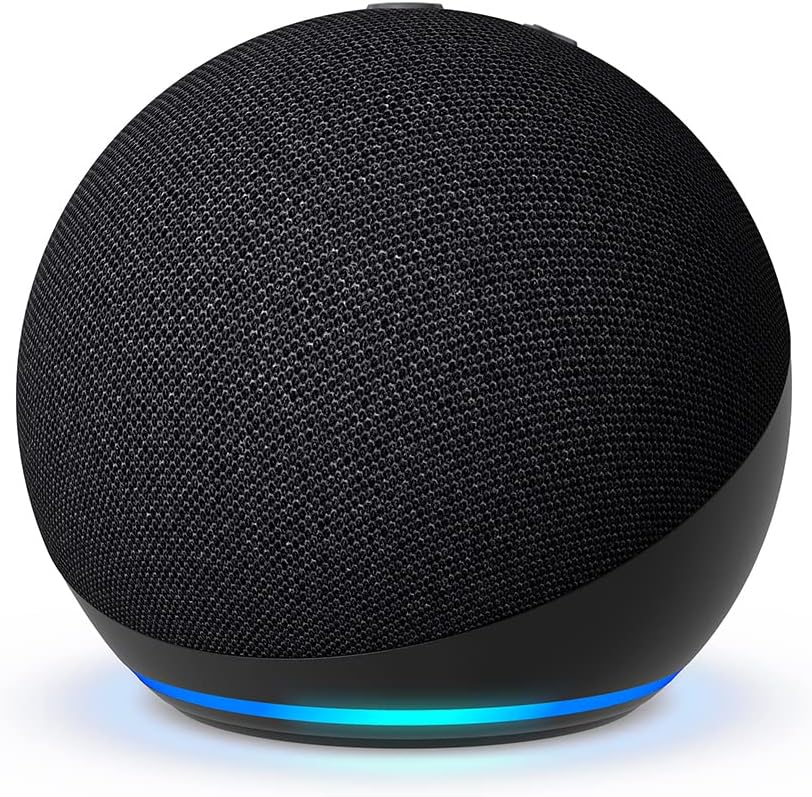
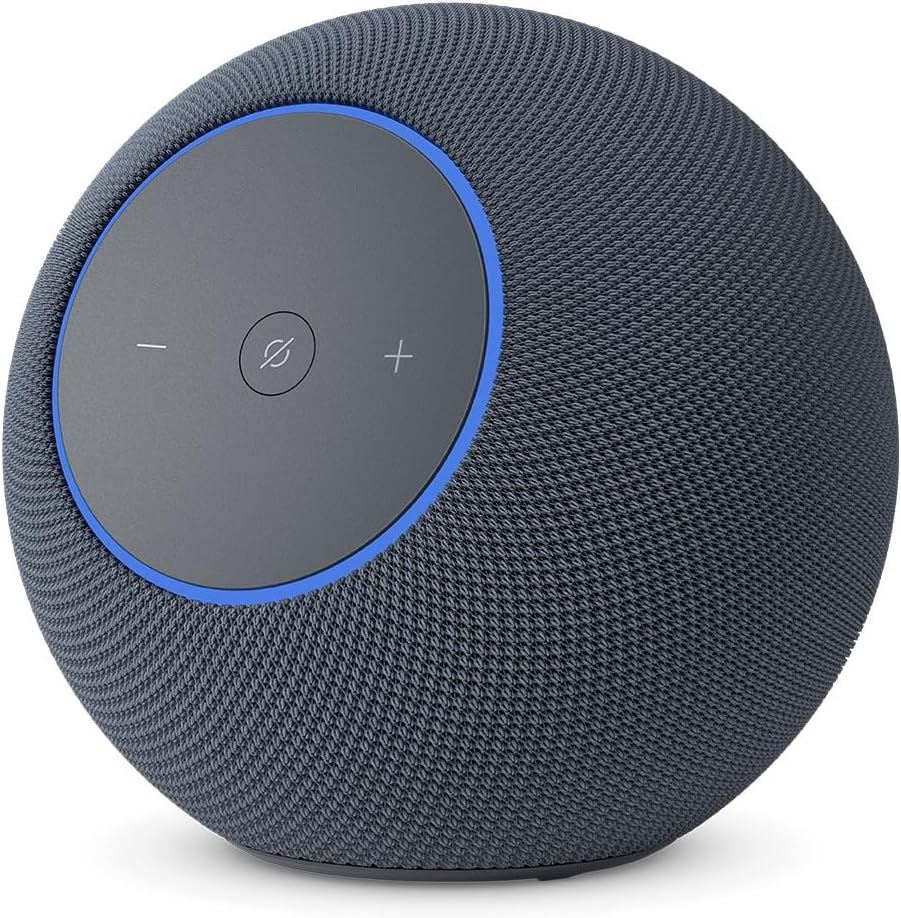
Alexa is Amazon’s powerful voice assistant, embedded in devices like the Echo series, that can control a wide range of smart home devices. A smart hub acts as a central control point, connecting various devices (lights, thermostats, cameras, etc.)—sometimes across different brands and protocols.
Common smart hubs include:
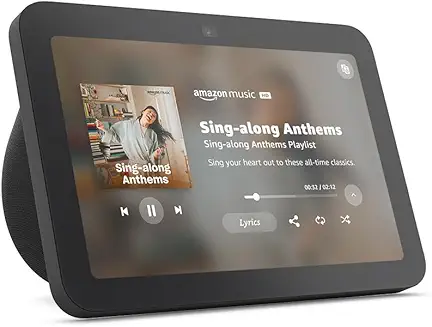
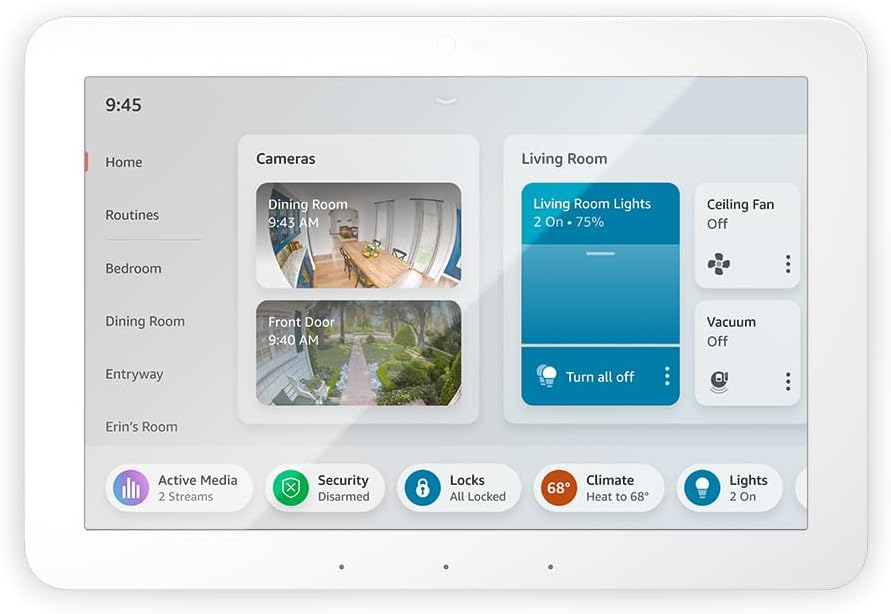
- Amazon Echo Hub
- Samsung SmartThings Hub
- Reolink Home Hub (for security cameras)
- Philips Hue Bridge (for lighting)
Many users connect more than one hub to Alexa to unify devices that might otherwise be siloed in separate ecosystems.
Benefits of Using Alexa with Multiple Hubs
- Unified Voice Control: Control devices from different brands or platforms with simple Alexa commands, eliminating the need to juggle multiple apps or remotes.[1]
- Enhanced Device Compatibility: Multiple hubs extend Alexa’s reach to devices that may not be directly supported by Alexa but are compatible with one of the connected hubs.[1]
- Centralized Automation: Create routines that trigger actions across devices on different hubs—such as a “Good Night” routine that locks doors, turns off lights, and sets the thermostat.[1]
- Flexibility and Scalability: Easily add new devices or upgrade components without overhauling your entire system. Hubs like SmartThings or Reolink allow for expansion as your needs change.[1]
- Multi-Room Functionality: With Alexa’s multi-room features, you can synchronize music, routines, or device actions throughout your home, regardless of which hub the device is connected to.[3][5]
- Remote Access: Manage and monitor your smart devices from anywhere using the Alexa app, as long as your hubs are online.[1]
Drawbacks and Challenges of Using Multiple Hubs
- Complex Setup and Management: Adding and managing multiple hubs increases initial setup time and system complexity. Configuring integrations, naming conventions, and device groups requires careful planning.[1]
- Potential for Conflicts: Device overlaps or naming conflicts can cause confusion or unintended automation triggers, especially if two hubs control the same device.[9][11]
- Fragmented Ecosystem: Not all hubs or devices play nicely together. Some features might be limited or unavailable when integrating across different hubs or brands.[2]
- Latency and Reliability: The more integration layers (Alexa → Hub → Device), the higher the risk of delays, missed commands, or connectivity issues.
- Privacy and Security Risks: Each additional hub increases the number of access points in your network, potentially expanding your security vulnerability.[15]
- Firmware and Update Hassles: Keeping multiple hubs and their connected devices up-to-date can be tedious, and outdated software may cause compatibility problems.
Best Practices for Managing Alexa with Multiple Hubs
- Plan Your Ecosystem: Before purchasing, check device compatibility with Alexa and your preferred hubs. Use certified “Works with Alexa” products when possible.
- Name Devices and Groups Clearly: Use unique and descriptive names for each device and group to avoid confusion when issuing voice commands.[9]
- Leverage Routines and Groups: Create Alexa routines that coordinate actions across multiple hubs. For example, a “Leaving Home” routine that arms security, adjusts lighting, and locks doors, regardless of which hub controls each device.[1][3]
- Regularly Audit Devices: Periodically review your device list in the Alexa app to remove duplicates, update names, and ensure all hubs are functioning correctly.
- Centralize Hubs When Possible: Place hubs in optimal locations for wireless coverage, and avoid placing them in close proximity to reduce signal interference.
- Stay Updated: Keep all hubs, devices, and the Alexa app updated with the latest firmware and software for security and compatibility.
- Secure Your Network: Use strong, unique passwords for each hub and your Wi-Fi network, and enable two-factor authentication where available.[15]
Real-World Example: Multi-Room Music and Automation
Alexa’s multi-room music feature showcases the benefits of a well-integrated hub setup. With multiple Alexa devices and hubs, you can:
- Sync music playback across all speakers in your home (“Alexa, play music everywhere”).[3][5]
- Control specific rooms or groups (“Alexa, play jazz in the kitchen”).[3][5]
- Include smart lighting scenes and thermostat adjustments using routines triggered by music playback or voice commands.
However, if devices are registered under different Amazon accounts or some speakers are not compatible with Alexa’s multi-room feature, setup can become cumbersome. Consistent device naming and strategic grouping can streamline the process.[5]
Key Takeaways
- Alexa with multiple hubs delivers unified voice control, greater compatibility, and robust automation—but at the cost of increased complexity and potential for technical issues.
- Careful planning, clear naming, and regular maintenance are essential for a smooth experience.
- Adopt best practices for security and device management to ensure a safe and efficient smart home.
Conclusion
Integrating Alexa with multiple smart home hubs can transform your living space into a truly connected environment, combining convenience, flexibility, and powerful automation. By understanding the benefits and proactively addressing the challenges, you can create a smart home system that is both reliable and future-proof. Whether you’re a tech enthusiast or a homeowner seeking greater control, Alexa’s multi-hub capabilities—used wisely—offer a compelling path to smarter living.