Using Alexa with Multiple Hubs: Benefits and Drawbacks
Introduction
As smart homes become increasingly sophisticated, many users are exploring how Amazon Alexa can be integrated with multiple hubs to create a seamless and responsive living environment. Understanding the advantages and potential limitations of using Alexa with different smart hubs is essential for maximizing convenience, security, and interoperability. This comprehensive guide will walk you through the benefits, drawbacks, and best practices to help you make informed decisions for your connected home.
What Are Smart Hubs and How Does Alexa Interact with Them?
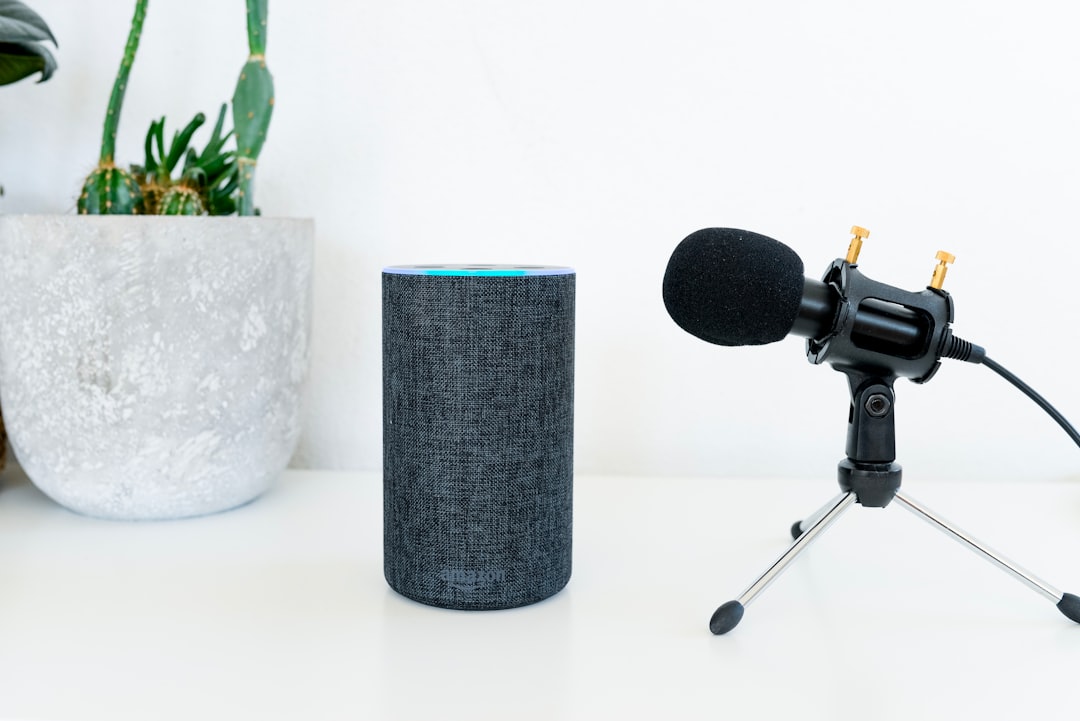
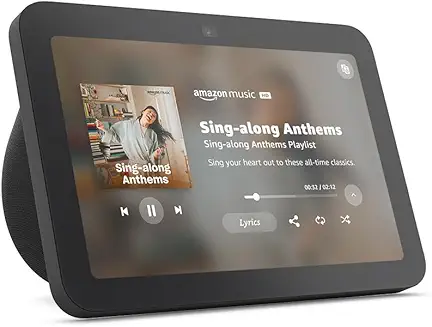
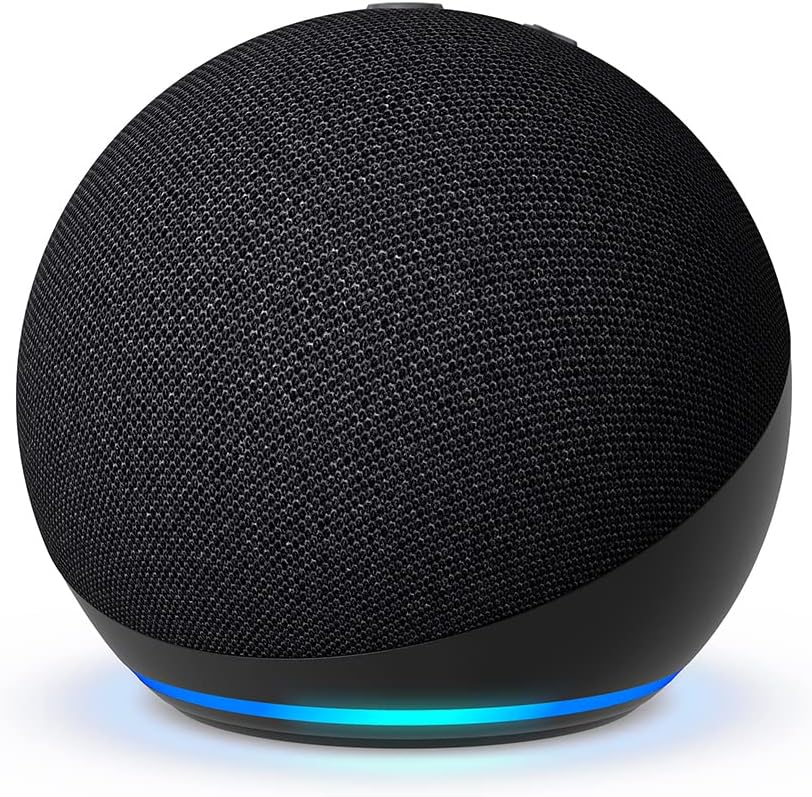
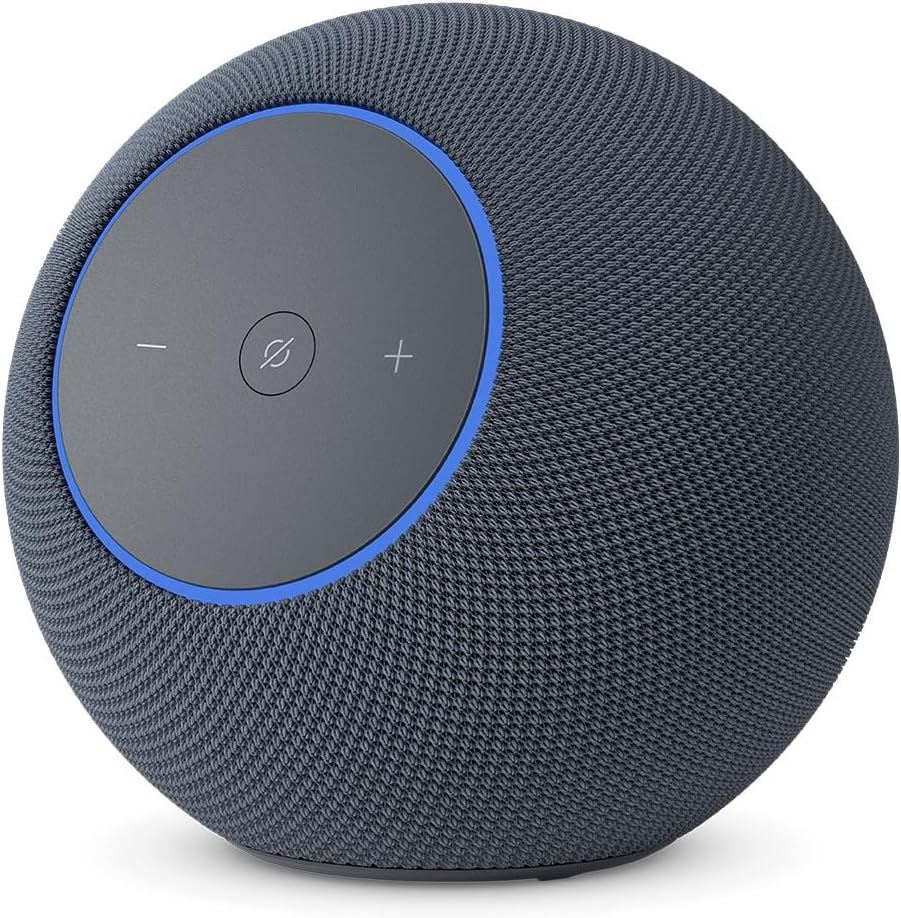
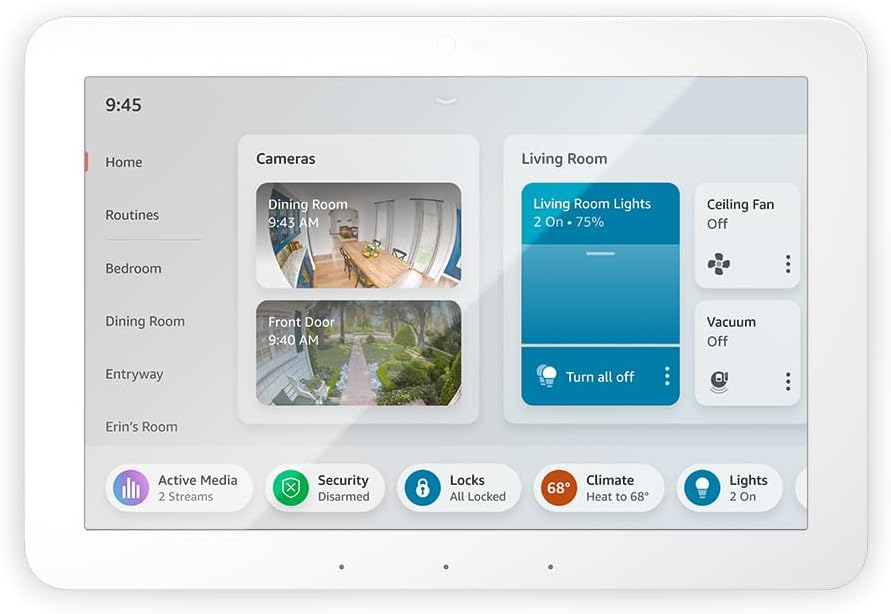
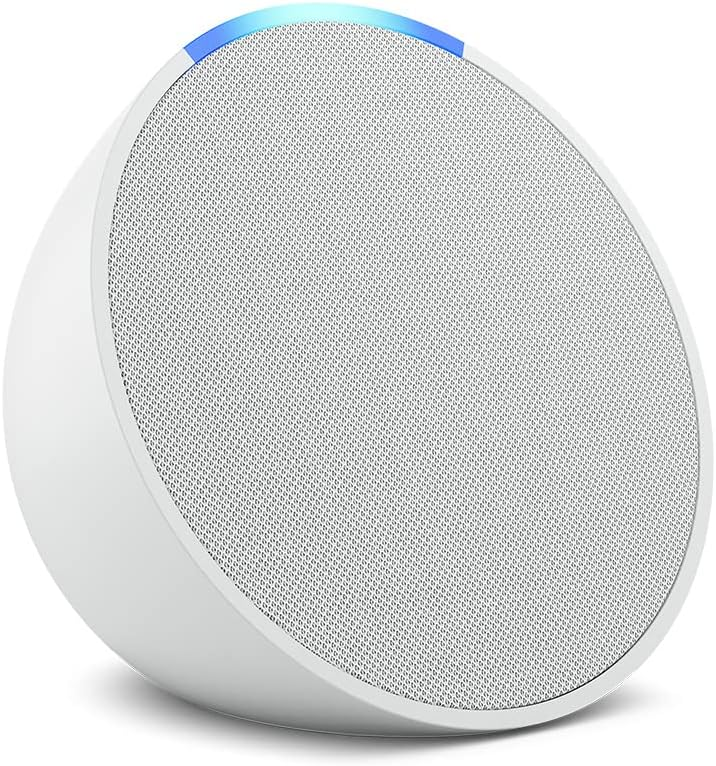
A smart home hub is a central device that connects, manages, and automates various smart gadgets like lights, thermostats, cameras, and speakers. Alexa-enabled devices—such as Amazon Echo and Echo Hub—can serve as both voice assistants and smart hubs, allowing you to control compatible devices using simple voice commands or app controls.
Setting Up Alexa as a Smart Home Hub
- Download and open the Alexa app on your smartphone or tablet.
- Plug in and connect your Echo device to Wi-Fi.
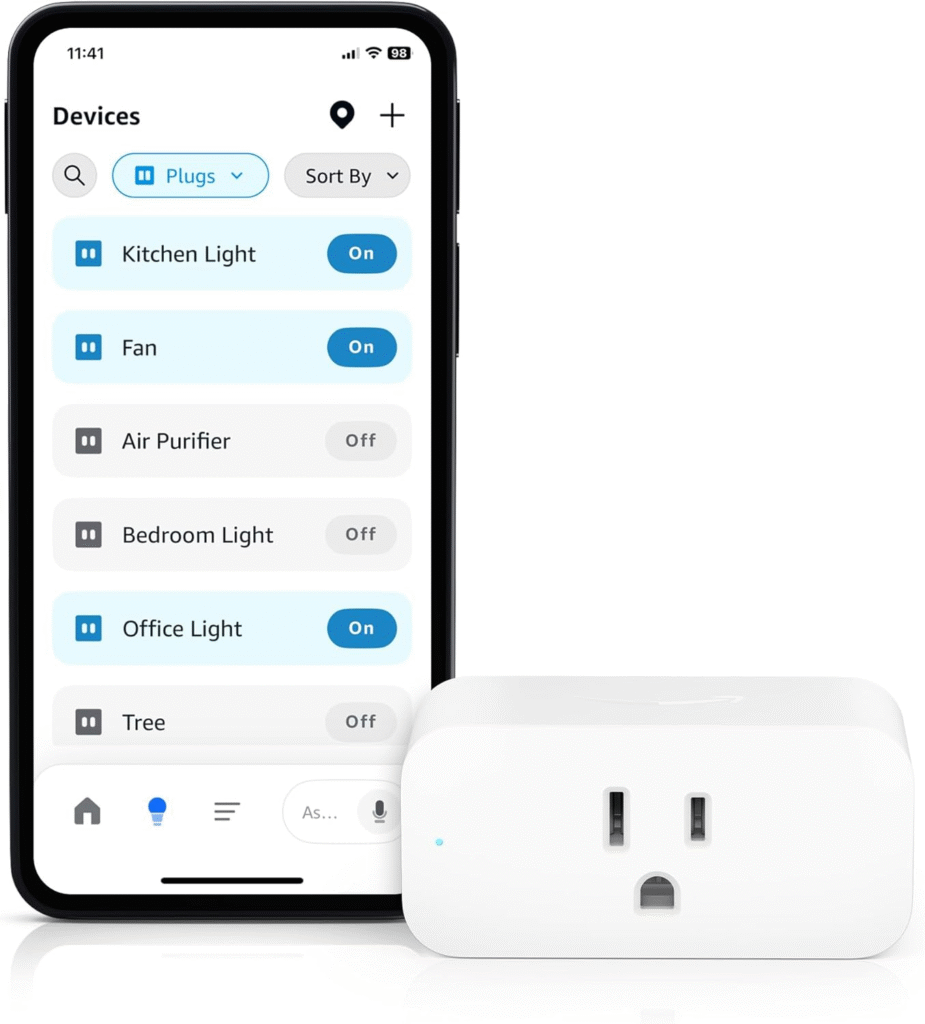
- Enable smart home discovery to allow Alexa to find and connect to compatible devices.
- Group devices into rooms and create routines for streamlined control.
- Control devices via voice or remotely through the Alexa app.
Benefits of Using Alexa with Multiple Hubs
Integrating Alexa with multiple hubs offers several compelling advantages for smart home enthusiasts:
1. Centralized Management and Control
- Alexa acts as a single interface for managing devices across different hubs, reducing the need to juggle multiple apps or remotes.
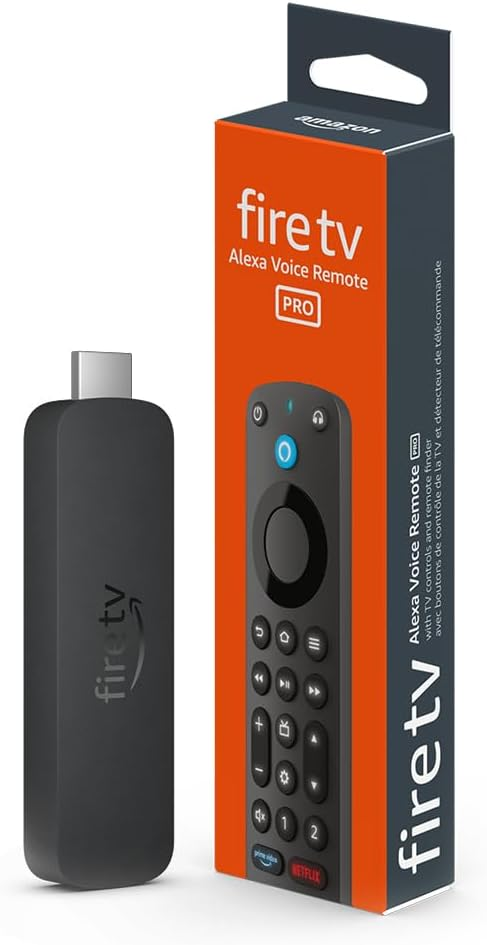
- Voice commands enable hands-free operation for lights, cameras, thermostats, and more.
2. Enhanced Automation and Routines
- Create complex routines that trigger actions across devices from different hubs (e.g., “Good night” could turn off lights, lower the thermostat, and arm security cameras).
- Schedule device actions remotely, enhancing convenience and energy efficiency.
3. Scalability and Flexibility
- Add new devices or hubs over time without overhauling your system.
- Works with a wide variety of brands and protocols, allowing for future expansion.
4. Multi-Room Functionality
- Alexa supports multi-room music and device groupings, letting you control audio and other gadgets in different areas simultaneously.
- “Everywhere” groups simplify whole-home commands (e.g., “Alexa, play music everywhere”).
5. Data-Driven Insights and Predictive Automation
- Alexa aggregates data from multiple hubs and devices to learn user patterns and optimize routines.
- Helps in predictive purchasing and proactive home management.
Drawbacks and Challenges of Using Alexa with Multiple Hubs
Despite its benefits, there are important limitations and challenges to consider:
1. Complexity in Setup and Management
- Integrating devices from different hubs often requires troubleshooting compatibility and connectivity issues.
- Managing multiple device ecosystems (e.g., Zigbee, Z-Wave, proprietary hubs) can be confusing.
2. Potential for Redundant or Conflicting Commands
- Overlapping controls across hubs may result in unintended device behavior or command conflicts.
- Voice command recognition can sometimes be inconsistent with similar device names or groupings.
3. Privacy and Security Concerns
- More hubs mean more data points and potential vulnerabilities; it’s critical to manage permissions and update devices regularly.
- Aggregated data can raise concerns about personal privacy and the potential for unauthorized access.
4. Ongoing Maintenance and Updates
- Firmware and software updates across multiple hubs and devices can be time-consuming.
- Some hubs may lose compatibility with Alexa after updates or when manufacturers change support policies.
Best Practices for Using Alexa with Multiple Hubs
To maximize benefits and minimize drawbacks, follow these best practices:
- Plan Your Ecosystem: Map out which devices and hubs you need, ensuring Alexa compatibility for all components.
- Group Devices Strategically: Use the Alexa app to organize devices into logical rooms and groups for efficient control.
- Update Regularly: Keep all hubs and devices updated to maintain security and optimal performance.
- Monitor Permissions: Review and adjust device permissions in the Alexa app to safeguard privacy.
- Test Routines: Regularly test complex routines to avoid conflicting commands and optimize automation.
- Leverage Alexa Features: Utilize advanced Alexa features like personalized news, event booking, and home maintenance integrations for added convenience.
Future Trends and Considerations
- Increased Interoperability: Ongoing developments in Matter and other smart home standards will likely reduce compatibility issues across hubs.
- Smarter Insights: Next-gen AI assistants like Alexa+ are improving contextual understanding and predictive automation, making multi-hub management easier.
Conclusion
Using Alexa with multiple hubs can transform your home into a highly efficient, automated environment with centralized control, advanced routines, and personalized experiences. However, it requires careful planning, attention to privacy, and ongoing maintenance to avoid common pitfalls. By following best practices and staying informed about new features, users can unlock the full potential of Alexa-powered smart homes while minimizing complexity and risks.
Key Takeaways
- Alexa streamlines smart home management across multiple hubs, offering convenience and powerful automation.
- Setup and compatibility challenges exist, but can be overcome with strategic planning and routine testing.
- Privacy and security must be actively managed to protect user data.
- Regular updates and leveraging new Alexa features can further enhance the smart home experience.