Alexa Skills: How to Add Functionality to Your Smart Home
Smart homes are no longer a futuristic concept—they are rapidly becoming the standard for modern living. At the heart of this transformation is Amazon Alexa, a voice assistant that empowers users to control devices, manage routines, and access a wide array of services through simple spoken commands. The true engine behind Alexa’s versatility lies in its Skills: third-party applications that enhance and customize Alexa’s capabilities. In this guide, you’ll learn how Alexa Skills can supercharge your smart home, how to add and create them, and best practices for getting the most from your voice assistant.
What Are Alexa Skills?
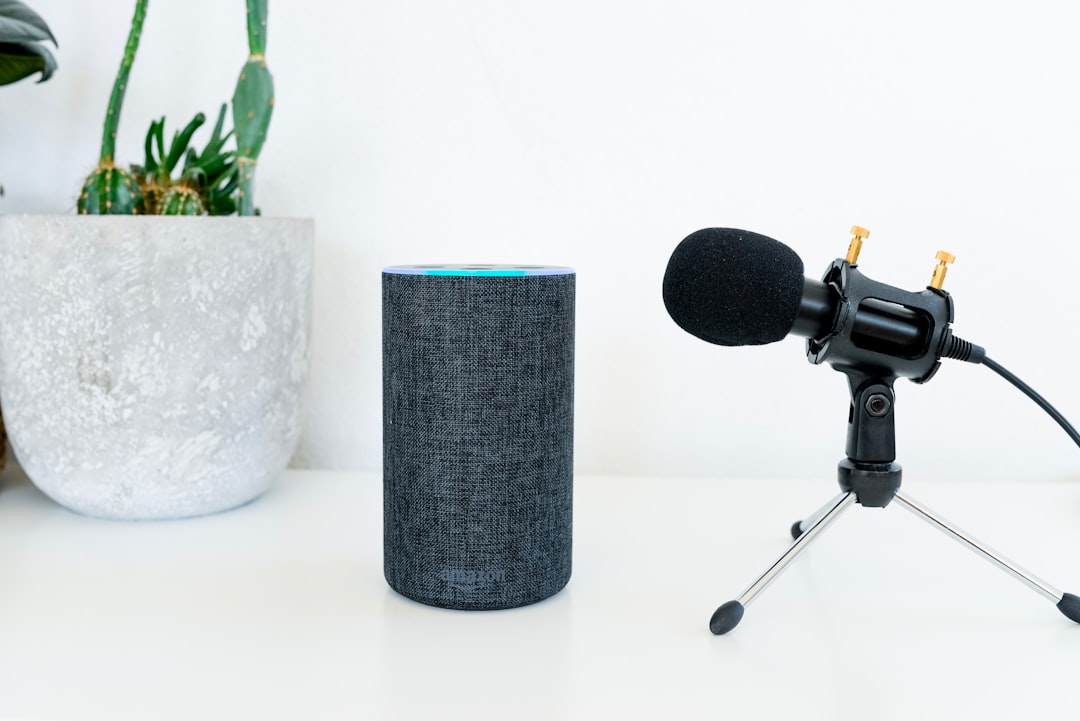
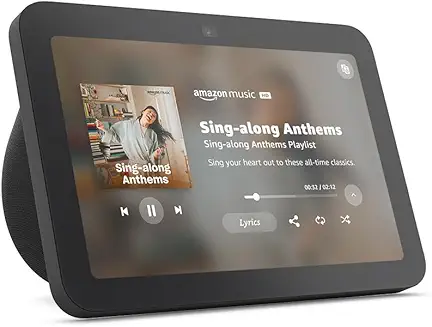
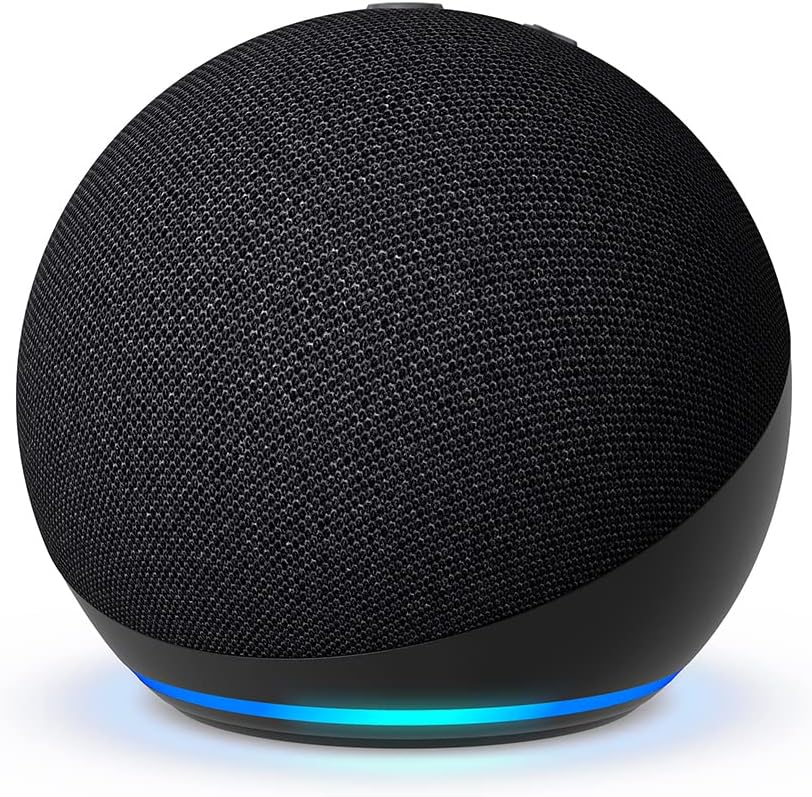
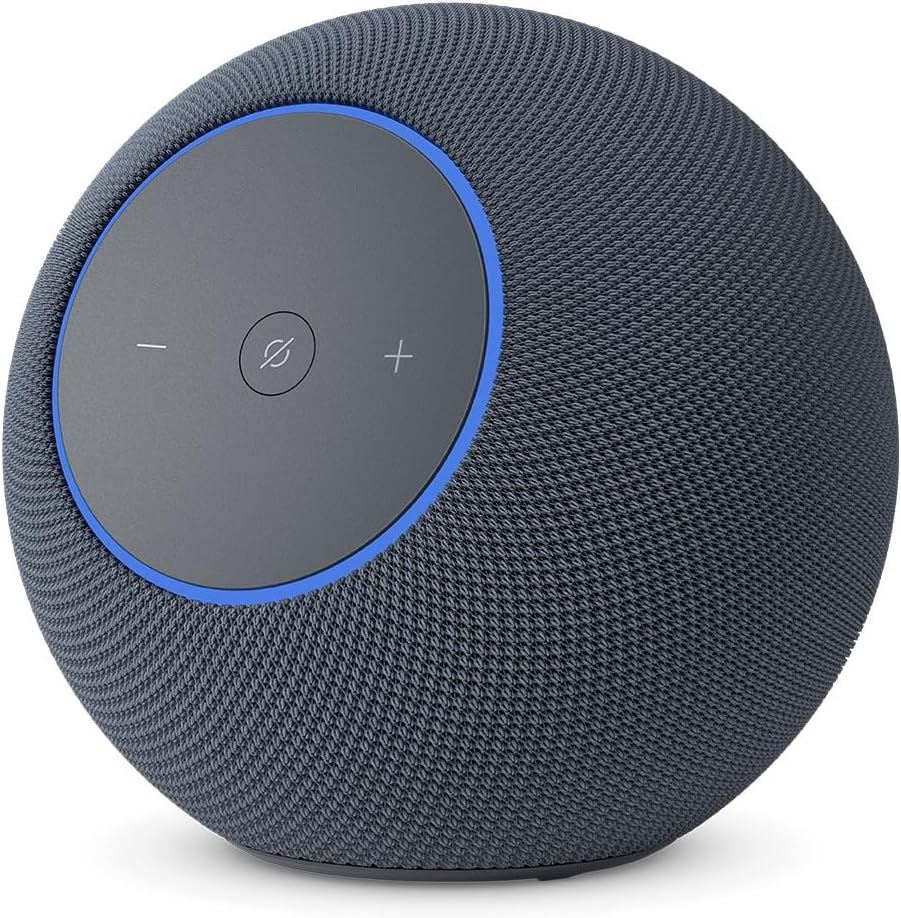
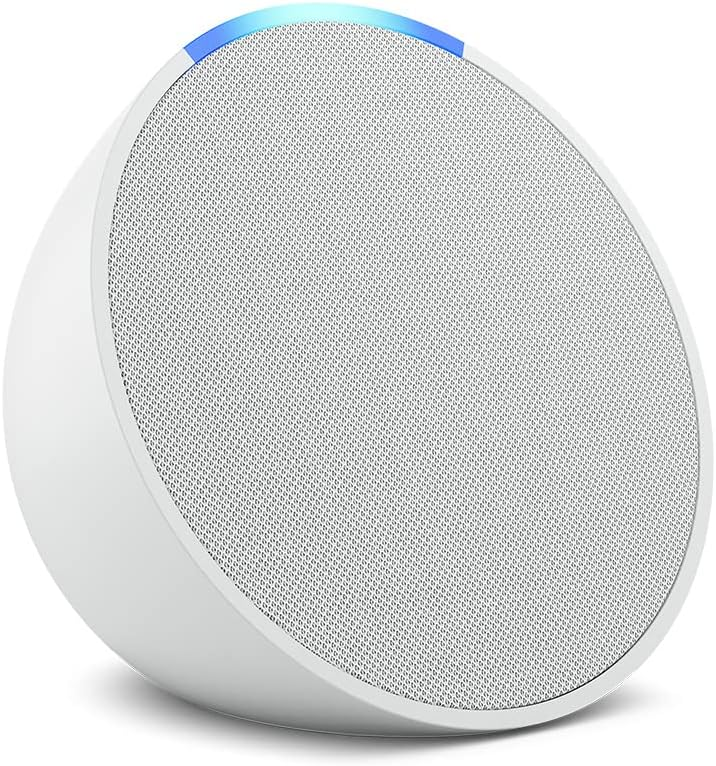
Alexa Skills are like apps for your Amazon Echo and other Alexa-enabled devices. They add new functionalities, ranging from controlling smart devices and playing games to providing weather updates and integrating with third-party services. Some skills are developed by Amazon, while many others are built by third-party developers, allowing for a constantly expanding ecosystem of features [1][3].
Why Add Alexa Skills to Your Smart Home?
- Enhanced Automation: Voice control lights, thermostats, locks, and more.
- Personalized Experience: Customize Alexa to match your family’s needs and routines.
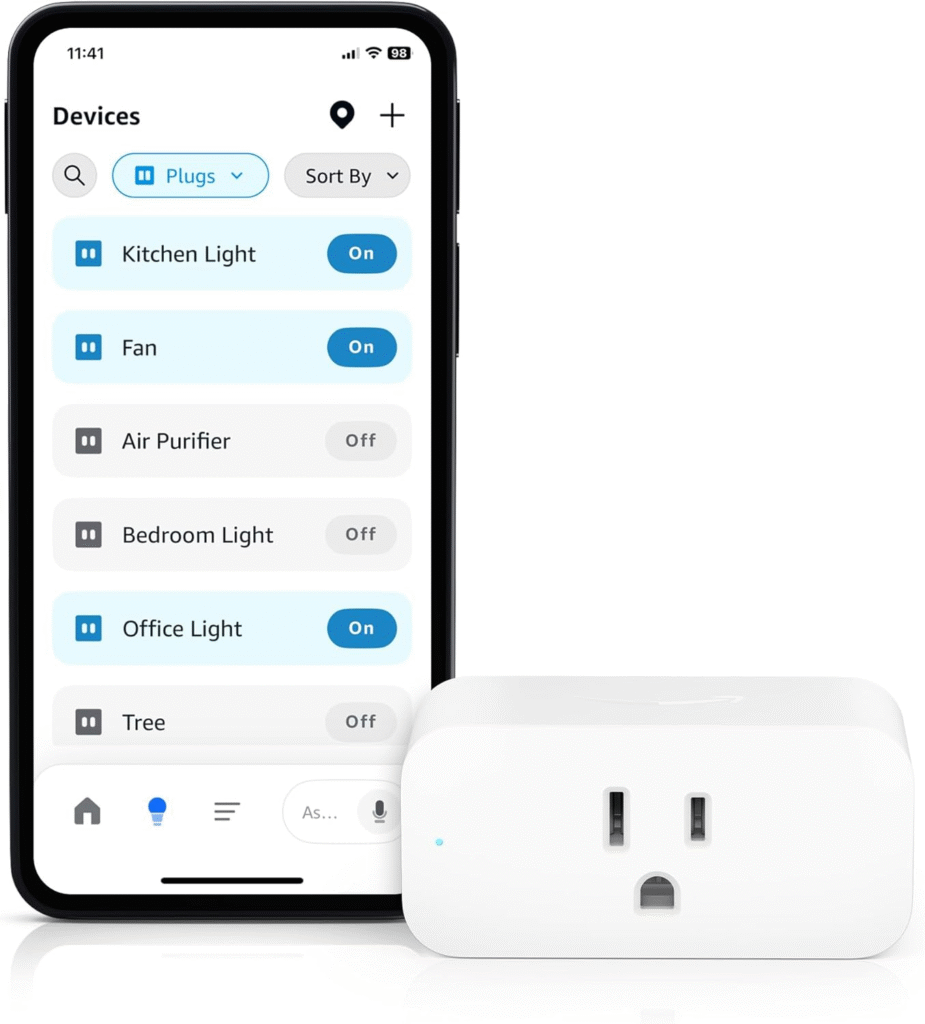
- Expanded Device Compatibility: Integrate devices from various brands into one unified voice-controlled system.
- Continuous Innovation: New skills are released regularly, keeping your smart home up-to-date.
How to Add Alexa Skills
Adding new skills is straightforward and can be done in several ways:
- Using the Alexa App:
- Open the Alexa app on your smartphone.
- Navigate to More > Skills & Games.
- Browse or search for the skill you want.
- Select the skill and tap Enable.
- Via Voice Command:
- Say, “Alexa, enable [Skill Name].”
- Through the Amazon Website:
- Visit the Alexa Skills section on Amazon.com.
- Search for and enable skills directly from your browser.
Popular Alexa Skills for Smart Homes
- Philips Hue: Control smart lighting with voice commands.
- SmartThings: Integrate a wide range of sensors and devices.
- Ring: Manage video doorbells and security cameras.
- Ecobee: Adjust smart thermostats for comfort and energy savings.
- IFTTT: Create powerful automation routines across platforms.
Types of Alexa Skills
Not all skills are created equal. Understanding the main types can help you choose or develop the right one:
- Smart Home Skills: Designed specifically for device control and automation. They use a pre-built voice interaction model and require minimal setup from users [2][4].
- Custom Skills: Allow developers to design unique voice experiences for anything from games to custom device integrations. These require more development effort but offer greater flexibility [5][7].
- Flash Briefing Skills: Provide short, voice-delivered news or content updates.
Building Your Own Alexa Skills: A Brief Overview
For tech-savvy users or businesses, creating custom Alexa Skills can unlock even more possibilities. Here’s a high-level look at the process:
- Sign Up as a Developer: Create a free Amazon Developer account.
- Choose a Skill Type: Decide between a smart home, custom, or flash briefing skill [1][3][5].
- Use the Alexa Skills Kit (ASK): Amazon provides a toolkit with documentation, templates, and best practices [7].
- Design the Voice User Interface (VUI): Focus on intuitive, natural conversations. Amazon offers guidelines for creating effective VUIs [1][3].
- Develop the Backend: Most skills are powered by AWS Lambda functions, often written in Node.js or Python [1][3].
- Test Thoroughly: Use Amazon’s testing tools and frameworks to validate your skill’s behavior [1][3].
- Publish and Certify: Submit your skill for Amazon’s review. Once approved, it becomes available to all Alexa users [4][5].
Best Practices for Developing Alexa Skills
- Prioritize Simplicity: Keep voice commands intuitive and easy to remember.
- Follow Amazon’s Guidelines: Adhere to user experience and privacy requirements [1][3][7].
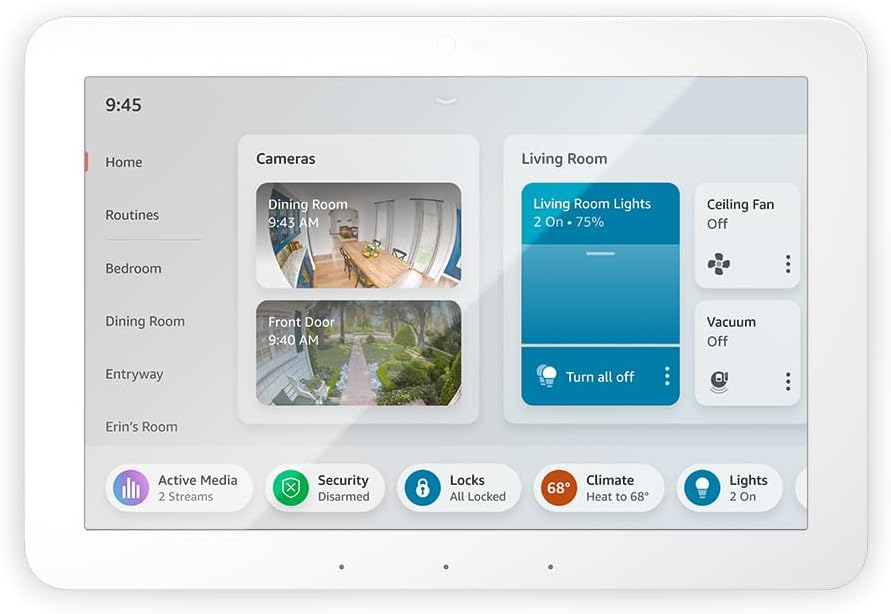
- Test Across Devices: Ensure compatibility with Echo Dot, Echo Show, and other Alexa-enabled devices.
- Optimize for Multiple Languages: If your skill is global, leverage Amazon’s multi-language support [4].
- Monitor Performance: Use metrics and user feedback to improve your skill over time.
Integrating Alexa with Your Smart Home Devices
To get the most out of Alexa Skills, ensure your smart home devices are compatible and connected:
- Check for Alexa Compatibility: Most major brands now support Alexa integration. Look for the “Works with Alexa” badge on devices.
- Enable Device-Specific Skills: Some devices require you to install a manufacturer’s skill and log in with your account details.
- Create Groups and Routines: Use the Alexa app to group devices (e.g., “Living Room Lights”) and set up routines for automation (e.g., “Good Night” turns off all lights and locks doors).
Security and Privacy Considerations
Security is paramount in any smart home. Here are steps to safeguard your devices and data:
- Review Permissions: Only enable skills from trusted sources and check what data they access.
- Keep Software Updated: Regularly update both Alexa and smart devices to the latest firmware.
- Use Strong Account Security: Enable two-factor authentication (2FA) on your Amazon account.
Frequently Asked Questions
- Do I need coding skills to add Alexa Skills? No. Most users can add and use skills without any programming. However, creating custom skills does require basic coding knowledge [1][3][5].
- Are Alexa Skills free? The majority of skills are free, though some offer premium features or subscriptions.
- How many skills can I add? There’s no practical limit—add as many as you like to suit your lifestyle.
Conclusion
Alexa Skills are a powerful way to enhance the functionality, convenience, and enjoyment of your smart home. Whether you’re automating everyday tasks, creating custom routines, or even building your own skills, Alexa offers an open platform that evolves with your needs. By leveraging best practices and staying up-to-date with new features, you can make your home smarter, safer, and more responsive to your voice.
Ready to unlock your smart home’s full potential? Start exploring, adding, and creating Alexa Skills today!