Alexa Routines: Automating Your Morning and Evening for a Smarter Day
Imagine starting your day with gentle lights, your favorite music, and the latest weather update—all triggered by a single command. With Alexa Routines, you can automate your mornings and evenings to create a smoother, more productive, and relaxing daily experience. This comprehensive guide will walk you through what Alexa Routines are, how to set them up, and the best practices for maximizing their potential in 2025 and beyond.
What Are Alexa Routines?
Alexa Routines are customizable sequences of actions that Alexa performs automatically in response to a specific trigger. Instead of issuing multiple commands, you can bundle them into one routine, saving time and personalizing your experience. For instance, your morning routine could turn on the lights, read out your calendar, and play the news—all with a single phrase or scheduled time.[2][5]
Why Automate Your Mornings and Evenings?
- Boost productivity by streamlining repetitive tasks.
- Improve your mood with personalized lighting, music, and information updates.
- Enhance comfort and security by automating smart home devices like thermostats, lights, and locks.
- Reduce cognitive load by letting Alexa handle the routine details.
How to Set Up Alexa Routines (Step-by-Step)
- Open the Alexa App: Download or open the Amazon Alexa app on your iOS or Android device.
- Go to Routines: Tap More at the bottom right, then select Routines.[1][7]
- Create a New Routine: Tap the + icon in the top-right corner to start a new routine.
- Name Your Routine: Give your routine a descriptive name, such as “Morning Start” or “Evening Wind Down.”
- Set the Trigger: Tap “When this happens” and choose how the routine will start:
- Voice command (e.g., “Alexa, good morning”)
- Scheduled time
- Device action (like an alarm dismissal)
- Location-based triggers
- Smart home device triggers (motion, contact sensors, etc.)[3][12]
- Add Actions: Tap Add action and select from a wide array of options:
- Alexa says (greetings, reminders, jokes)
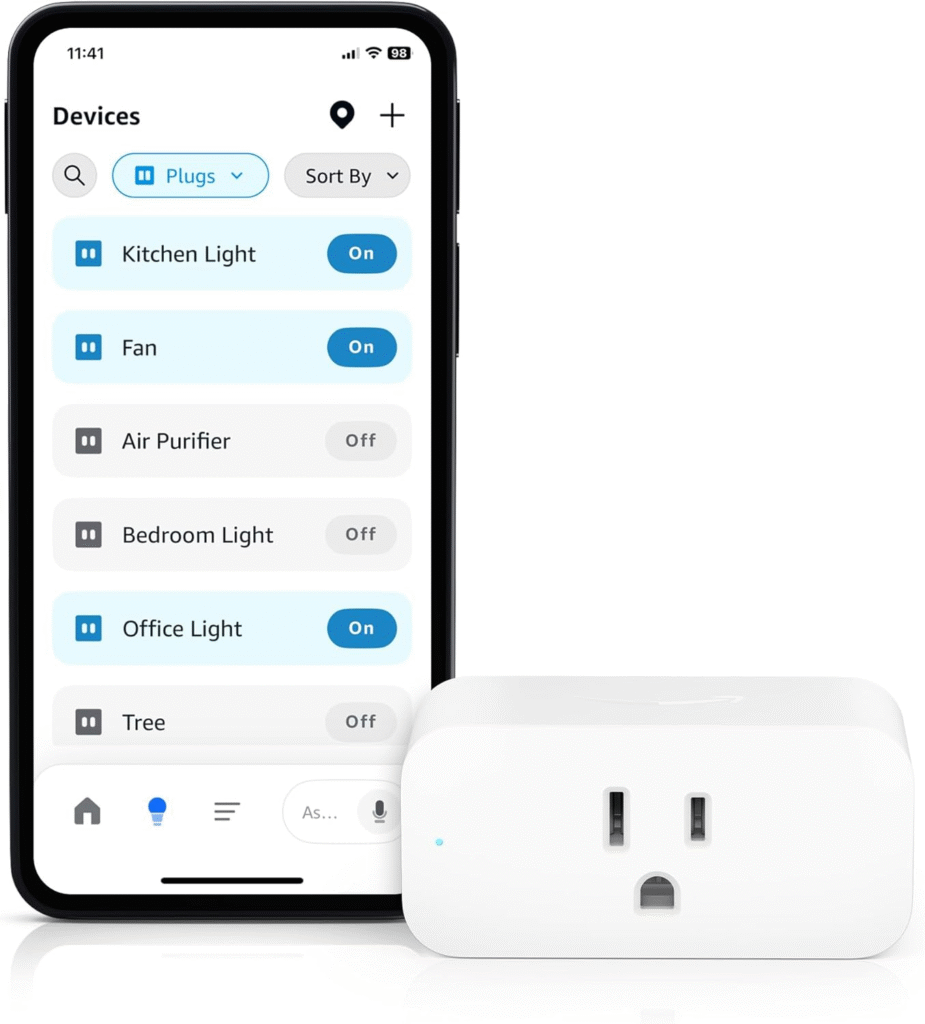
- Smart home controls (lights, plugs, thermostats, etc.)
- Music, podcasts, or radio
- News and weather updates
- Calendar reminders
- Custom skills or announcements
- Choose Device: If you have multiple Alexa devices, pick which one will run the routine.
- Review and Save: Check your routine settings and tap Save.[1][2][7]
Best Morning Alexa Routine Ideas
- Wake-Up Lights: Gradually brighten bedroom lights at your alarm time to mimic sunrise.[2][5]
- Weather and News: Have Alexa share the weather forecast and news headlines as you get ready.
- Calendar Briefing: Hear your day’s appointments and reminders.
- Morning Playlist: Start your day with energy by playing your favorite tunes or radio stations.
- Coffee Maker On: Automatically power your smart plug to start the coffee maker.
- Motivational Quote or Fact: Get inspired with a daily quote or an interesting fact.[1]
- Smart Home Prep: Adjust the thermostat, unlock doors, or open blinds as part of your routine.
Best Evening Alexa Routine Ideas
- Sunset Lights: Schedule lights to turn on when the sun goes down.[5]
- Bedtime Wind Down: Dim lights, play soothing music or white noise, and set a “Do Not Disturb” mode on your devices.
- Device Shutdown: Turn off TVs, smart plugs, or appliances to save energy.
- Lock Doors: Ensure all smart locks are secured before bed.
- Security Check: Trigger home security cameras or send a notification if motion is detected after a certain hour.[2]
- Night Light: Turn on low-level lights to guide late-night movement safely.
- Next Day Prep: Ask Alexa to read your next day’s calendar or give a gentle reminder for any important tasks.
Pro Tips and Best Practices for Alexa Routines
- Start Simple: Begin with basic routines and add more actions as you get comfortable.
- Use Multiple Triggers: Combine triggers (such as schedule plus voice command) for flexibility.[3]
- Leverage Smart Home Devices: Integrate lights, thermostats, cameras, and more for full automation.
- Personalize for Each Family Member: Create routines tailored for individuals, such as “Alexa, start my day” for customized briefings.
- Test and Refine: Periodically review and adjust routines as your needs change.
- Explore Featured Routines: Use the Alexa app’s gallery for inspiration and pre-built routines.[1]
- Stay Updated: Check for new Alexa features and compatible devices regularly.[4]
Common Routine Triggers and Actions Table
| Trigger Type | Example Actions |
|---|---|
| Voice Command | “Alexa, good morning” → lights on, weather, news |
| Scheduled Time | 7:00 AM → alarm, morning playlist, traffic update |
| Device Event | Alarm dismissed → coffee maker on, flash briefing |
| Location | Arrive home → lights on, thermostat set |
| Smart Home Sensor | Motion detected → night lights on, security alert |
Troubleshooting and Optimizing Alexa Routines
- Check Device Compatibility: Ensure your smart devices support Alexa routines.
- Sequence Matters: Arrange actions in the right order for smooth automation.
- Monitor Routine Performance: If a routine doesn’t trigger, check your app settings and device connectivity.
- Update Regularly: Alexa frequently adds new features—keep your app and devices updated for the best experience.[4]
Conclusion: Make Every Day Effortless with Alexa Routines
Automating your mornings and evenings with Alexa Routines transforms daily living into a seamless and enjoyable experience. Whether you want to start your day energized or wind down peacefully, Alexa can handle the details so you can focus on what matters most. Start small, experiment with different triggers and actions, and discover how simple it is to make your home smarter, more efficient, and truly tailored to your lifestyle.