Protecting Your Data with Alexa Devices: Essential Privacy Tips for 2025
As smart speakers and voice assistants become household staples, data privacy has never been more important. With over 65% of U.S. smart speaker users choosing Amazon Echo devices, understanding how to protect your personal information with Alexa is essential—especially in light of major privacy changes coming in 2025[2].
Why Alexa Privacy Matters More Than Ever
Amazon Echo and Alexa-powered devices are designed to make life easier. From controlling smart home appliances to managing your calendar, everything starts with your voice. However, these conveniences come with significant data collection and processing requirements, raising concerns about how your information is used, stored, and shared[2].
What Data Does Alexa Collect?
- Voice recordings: Anything said after the wake word (‘Alexa’, ‘Echo’, or ‘Amazon’) is recorded and processed.
- Transcripts of interactions: Voice commands are transcribed and stored on Amazon’s servers.
- Personal and device data: Alexa may collect identifiers, device usage data, location info, and even payment details for shopping features.
- Third-party integrations: Skills and smart home devices linked to Alexa can access some of your information.
What’s Changing in 2025? Amazon’s New Privacy Policy
As of March 28, 2025, a major shift is taking place: users will no longer be able to prevent their Alexa voice recordings from being sent to Amazon’s cloud[1][5]. Previously, a setting allowed certain Echo models to process some requests locally, offering an extra layer of privacy. With the rollout of Alexa+ and generative AI features, all interactions are now processed—and stored—on Amazon’s cloud infrastructure[1][3][5].
- Even simple commands (like turning on a light) are now sent to the cloud.
- All voice interactions are used to improve Alexa’s AI models.
- You can still delete recordings and manage privacy settings, but you cannot fully opt out of cloud processing.
Implications for Users and Businesses
This change affects not just individual users, but also small businesses and regulated industries. Organizations handling sensitive data (such as healthcare providers) must reconsider their use of Alexa devices in professional settings[5].
Best Practices to Protect Your Data with Alexa Devices
While you can’t stop all data from being sent to Amazon, there are still important steps you can take to minimize risks:
1. Review and Adjust Alexa Privacy Settings
- Open the Alexa app and navigate to Settings > Alexa Privacy to manage your data.
- Disable features like voice purchasing or personalized advertising if you don’t need them.
- Regularly review your voice history and delete stored recordings manually[3].
2. Limit Data Retention
- Set recordings to auto-delete after 3 or 18 months, or disable their retention entirely if possible[2][3].
- Note: While audio can be deleted, transcripts of interactions may still be retained[3].
3. Use Strong Account Security
- Enable two-factor authentication for your Amazon account.
- Create a unique, complex password and never share it with others.
4. Mute Your Device When Not in Use
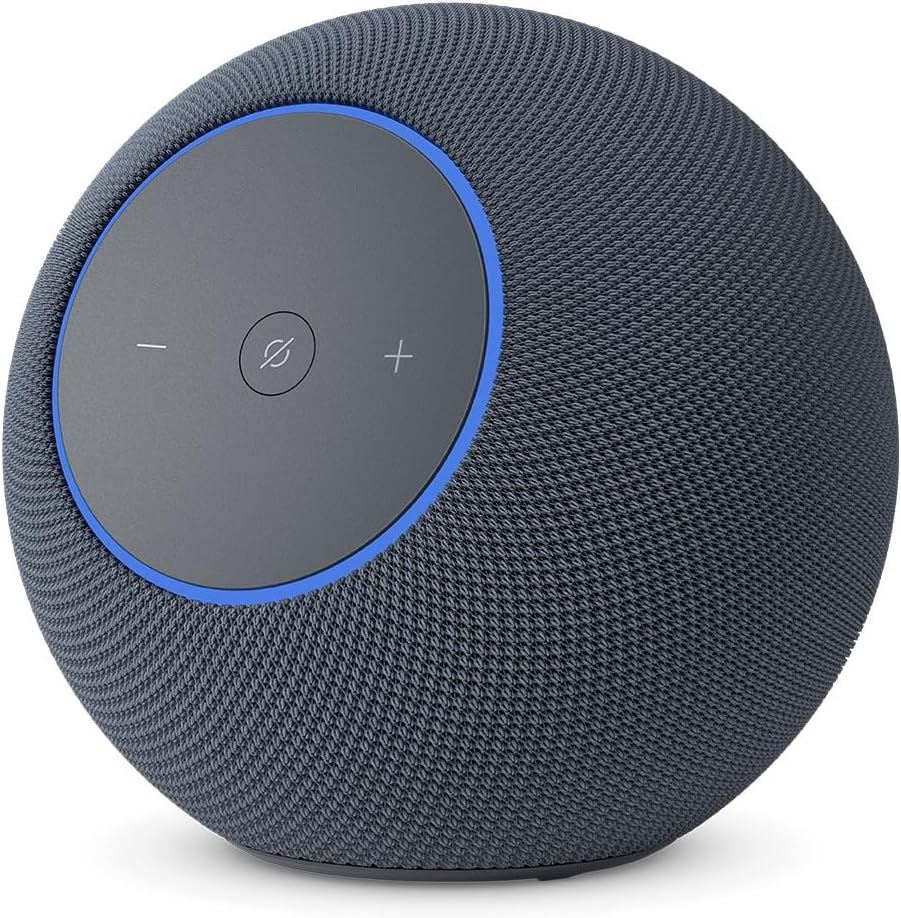
- Physically mute your Echo’s microphone to prevent unintended recordings, especially during sensitive conversations[3][11].
5. Manage Device Access
- Be aware of who can interact with your Alexa devices, especially in shared environments.
- Regularly review connected third-party skills and disable those you don’t use or trust[6].
6. Secure Your Home Network
- Keep your Wi-Fi password private and use strong encryption (WPA3 if available).
- Regularly update your router and all smart devices to the latest firmware versions.
7. Monitor for Privacy Updates
- Stay informed about changes to Alexa’s privacy policies and device software.
- Subscribe to updates from Amazon or privacy advocacy groups.
Understanding Alexa’s Security Features
Amazon states that Alexa+ and Echo devices are built on the secure AWS cloud infrastructure and use robust encryption to protect your data. However, security isn’t just about technology—it’s also about user awareness and good practices[7][12].
Key Security Measures Include:
- Encryption of voice data in transit and at rest
- Regular software updates to patch vulnerabilities
- Industry-standard security certifications (such as PCI DSS for payment data)[2][4]
Common Alexa Privacy Risks
- Always-listening microphones: Alexa continuously listens for the wake word, potentially capturing unintended audio[11].
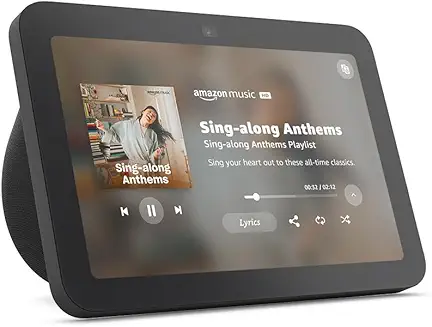
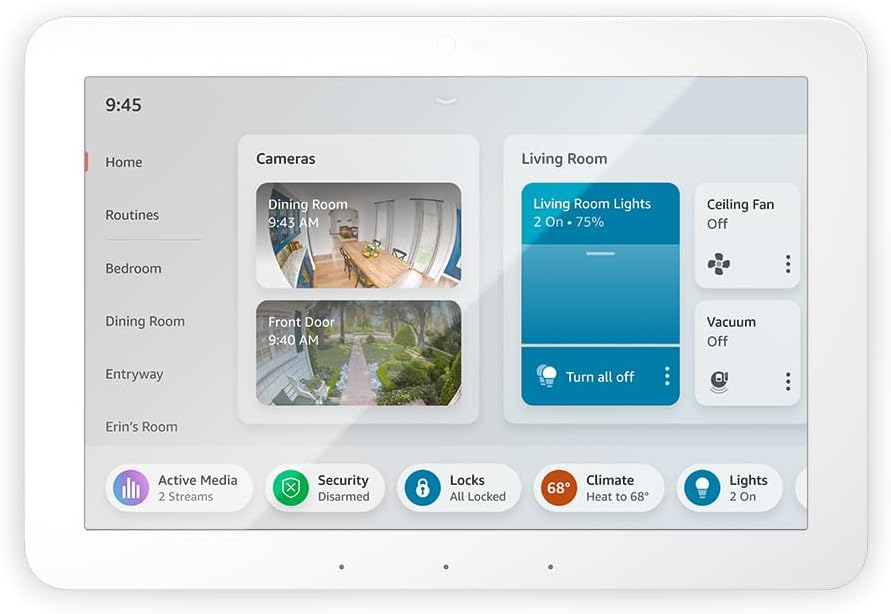
- Camera-equipped devices: Echo Show and similar models raise additional visual privacy concerns.
- Vulnerabilities and hacking: As with any IoT device, outdated firmware or poor network security can expose you to breaches[6][11].
- Data sharing: Voice and usage data could be used for advertising or shared with third parties[3][8].
Actionable Steps for Maximum Alexa Privacy
- Immediately review your Alexa privacy settings and delete unnecessary recordings.
- Mute your device’s microphone during sensitive discussions.
- Audit and remove unused third-party skills or smart home integrations.
- Regularly update your device and app software.
- Educate all household members about privacy risks and best practices.
Frequently Asked Questions
Can I stop Alexa from sending recordings to Amazon?
No, after March 28, 2025, all voice interactions will be sent to and processed in the cloud. You can delete recordings, but cannot prevent cloud processing[1][5].
Does Amazon listen to my conversations?
Alexa listens for its wake word, but accidental activations can occur. Amazon states that recordings are only processed after activation, and privacy settings can limit retention—but some level of data collection is unavoidable[2][12].
Are Alexa devices safe for business use?
Businesses dealing with sensitive information should carefully assess the risks. With the new policy, some organizations may need to avoid Alexa devices in offices with privacy or compliance requirements[5].
Conclusion: Take Control of Your Alexa Privacy
While Alexa devices offer unparalleled convenience, protecting your data requires vigilance. The 2025 policy changes mean users must adapt—review your privacy settings, use strong account security, and mute devices when appropriate. Above all, stay informed and proactive to ensure your Alexa experience remains both smart and secure.